






















 18 Jun 2026 / 0 comments
How to Pay for a VPS with NOWPayments 💳
Learn how to pay for a VPS using NOWPayments and cryptocurrency. Follow this step-by-step guide to complete secure crypto payments and activate your VPS quickly.
Stablecoin Payments for Linux and Windows VPS
Buy an eligible Linux or Windows VPS with supported stablecoins such as USDC or DAI. Choose your resources, operating system, and one of 25+ global locations, then pay using the exact asset and blockchain network shown on your invoice.
Your selected plan determines the CPU, RAM, storage, network allocation, and administrative access you receive. Stablecoin availability, network fees, confirmation requirements, and provisioning times can vary by invoice.
Choose a Linux or Windows VPS plan based on the resources, operating system, and server location your workload requires. Continue to checkout and select a supported stablecoin only when it appears on the payment invoice.
Send the exact asset and amount through the blockchain network displayed on the invoice. Stablecoin and network availability can vary by payment gateway, region, and invoice.
Your payment method does not change the resources or administrative access included with the selected VPS plan.
Rated 5 from 1 votes
Geekbench 6 multi-core benchmarks measured on production hardware in Amsterdam, Netherlands
Stablecoin payment is only one part of choosing the right VPS. MonoVM combines crypto-friendly checkout with Linux and Windows plans, full administrative access, multiple resource configurations, 25+ global locations, and infrastructure support.
Select the VPS configuration that fits your workload, then complete the order using an available stablecoin and blockchain network shown on the payment invoice.
The payment invoice identifies the supported stablecoin, exact amount, destination address, blockchain network, and expiration time for the transaction.
Always use the asset and network displayed on the invoice. Do not assume that every version of USDC, DAI, or another stablecoin is supported.
Choose from available VPS locations across Europe, North America, Asia, Oceania, South America, and other supported regions.
Selecting a server closer to your users or services may improve responsiveness, although actual latency also depends on internet providers, network routes, congestion, and the destination service.
Manage Linux servers through root SSH access or connect to eligible Windows servers using administrator-level Remote Desktop access.
Install compatible software, configure services, manage security settings, and adapt the operating environment to your workload.
Contact the MonoVM support team for assistance with payment status, invoices, account access, server delivery, network connectivity, platform availability, and infrastructure-related issues.
Application installation, software configuration, system administration, and workload management remain the customer’s responsibility unless a managed service is explicitly included.

Note: Latency values are approximate averages measured from Central Europe under normal network conditions and are updated regularly to reflect current routing performance. Actual latency may vary depending on your ISP, network congestion, and geographic location.
Choose the storage capacity and type displayed with your selected plan. SSD storage is suitable for general server workloads, while an NVMe VPS may be a better fit for databases, build processes, development environments, and applications that perform frequent disk operations. Availability varies by plan and location.
The RAM and vCPU shown on the order page apply to the VPS configuration you select. Review your software requirements before paying with a stablecoin, and confirm whether future upgrades are available for the selected plan and location.
Port speed, included traffic, bandwidth policies, and network availability can vary by VPS plan and server location. Review the order details before generating the stablecoin invoice so the selected network profile matches your application and expected traffic.
Stablecoins offer an alternative crypto payment method for customers who prefer to avoid the larger short-term price movements commonly associated with assets such as Bitcoin and Ethereum.
They can be useful for recurring hosting expenses because the invoice value may be easier to understand and budget. However, stablecoins still involve blockchain fees, network selection, wallet security, payment gateway availability, and potential peg or liquidity risks.
If you prefer a different cryptocurrency for your VPS purchase, MonoVM provides several crypto payment options. Customers holding BTC can buy a VPS with Bitcoin, while other supported options include Litecoin (LTC) payments, payments through the TRON network, and Solana (SOL). ETH holders can also explore the Ethereum VPS page, while customers specifically looking for Tether can review the available options on the USDT VPS page.
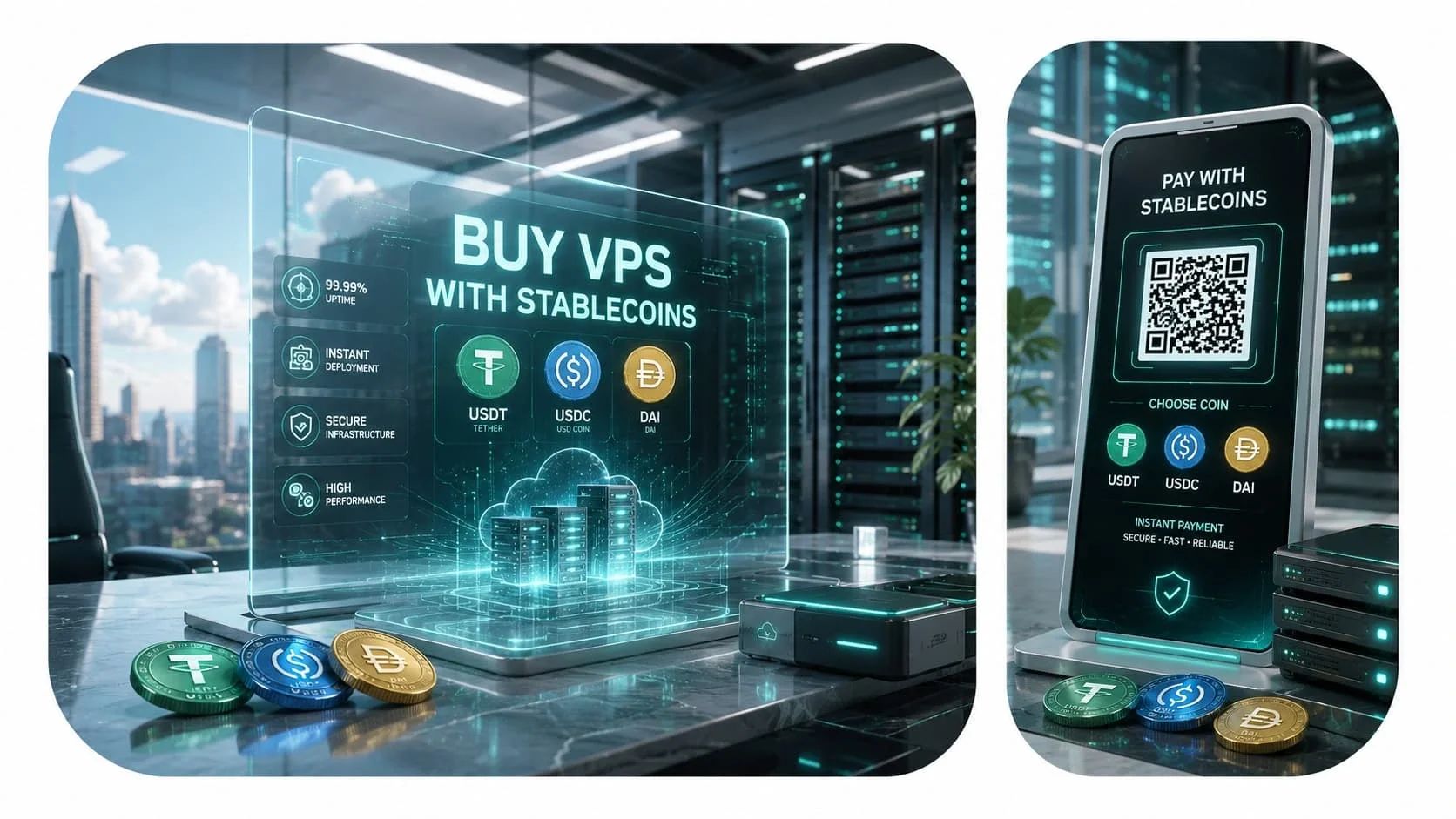
A VPS purchased with a stablecoin provides the same general functionality as an equivalent server purchased through another supported payment method.
The workloads you can run depend on the selected operating system, resources, software licensing, network rules, acceptable-use requirements, and application compatibility.
Purchase your VPS securely and deploy a high-performance Windows or Linux server shortly after payment confirmation.
Your honest review is the best proof of an excellent customer experience. Leave your comments on the customer dashboard and help other users with your sincere opinion.

Most companies don’t accept Bitcoin, and that’s the main reason I prefer to choose Monovm.
AlexI'm new here and ordered a starter site. They’ve been in contact with me every day, and my site is now online. So far, I’m really satisfied with their service and support.
It’s great to have access to experts who can guide me through live chat, which is why I’ve been registering my domains and emails with Monovm for several years.
Find answers to common questions about purchasing, activating, managing, upgrading, and renewing a VPS using supported stablecoins such as USDC or DAI.
You can use USDC when it is displayed as an available payment method for your VPS invoice. Availability can depend on the payment gateway, supported blockchain networks, customer location, and current checkout configuration.
Always use the USDC network and token version specified on the invoice.
DAI can be used only when it appears as an available payment option during checkout. Do not send DAI to an invoice generated for USDC, USDT, or another cryptocurrency.
The current payment invoice is the authoritative source for supported stablecoins and blockchain networks. Available options may change according to the gateway, region, and payment configuration.
Do not assume that every native, bridged, wrapped, or cross-chain version of a stablecoin is accepted.
Confirmation time depends on the blockchain network, network congestion, gateway requirements, and the number of confirmations required for the transaction.
A successful wallet broadcast does not necessarily mean the payment has already been cleared by the payment gateway.
After the payment receives the required confirmations and is cleared, the VPS provisioning process can begin.
Delivery time may vary according to the selected operating system, server configuration, location, stock availability, and any verification requirements.
Eligible Linux and Windows VPS plans can be purchased with an available stablecoin payment method.
Operating systems, plans, stablecoins, and blockchain networks may vary during checkout.
No. The payment method does not determine server performance.
CPU, RAM, storage, traffic allowance, network allocation, virtualization, operating system, and administrative access are determined by the selected VPS plan and location.
Eligible resources can be upgraded according to plan and infrastructure availability.
Some upgrades may require a reboot, plan change, storage expansion procedure, or migration. Review the available options in your account or contact support before making the change.
Contact support and provide the invoice identifier and transaction hash.
Payments made with the wrong asset, unsupported network, incorrect token contract, incomplete amount, or expired invoice may require manual review and may not always be recoverable.
Stablecoin payments should not be described as completely private or anonymous. Transactions on public blockchains can generally be viewed through block explorers and may be associated with wallet addresses.
Account, order, gateway, or compliance verification may also apply.
No. Dollar-referenced stablecoins are designed to maintain a value close to the US dollar, but market prices can vary.
Stablecoins may involve issuer, reserve, collateral, liquidity, protocol, smart contract, regulatory, and depegging risks.
A stablecoin can be used for renewal when it is displayed as an available payment method on the renewal invoice.
Available assets and networks may differ from those offered for the original order, so review each new invoice carefully.
In addition to supported stablecoins, MonoVM offers several cryptocurrency payment options for VPS purchases. Depending on the asset you prefer, you can pay for a VPS with BNB, use Bitcoin Cash (BCH), choose Dogecoin (DOGE), or pay with Dash (DASH) when the selected cryptocurrency is available at checkout.
Refund eligibility depends on the MonoVM Terms of Service, the selected service, payment provider requirements, order status, and applicable refund conditions.
Because blockchain transactions cannot normally be reversed directly, an approved refund may be processed through a different method or based on the applicable refund value and fees.
MonoVM’s 24/7 support channels are available for assistance with invoices, pending payments, account access, VPS delivery, network connectivity, and infrastructure-related questions.
When reporting a payment issue, provide the invoice identifier and transaction hash, but never disclose your wallet seed phrase, recovery phrase, or private key.
You should use an exchange account only when it supports the exact stablecoin and blockchain network displayed on the invoice and allows you to send the required amount before the invoice expires.
Exchange withdrawal fees or processing delays can result in underpayment or invoice expiration. Review the final withdrawal amount and network carefully before confirming the transaction.
Learn how cryptocurrency VPS payments work, how to verify payment details, and how to avoid common mistakes when completing a crypto checkout.
18 Jun 2026 / 0 commentsLearn how to pay for a VPS using NOWPayments and cryptocurrency. Follow this step-by-step guide to complete secure crypto payments and activate your VPS quickly.
 29 Jun 2026 / 0 comments
Learn how to pay for your VPS with Cryptomus in just a few simple steps. Follow this guide to complete your crypto payment securely and activate your VPS without delays.
 09 Jul 2026 / 0 comments
Learn how to pay for a VPS with CoinPayments using Bitcoin, USDT, Litecoin, and other cryptocurrencies. Follow this simple 2026 step-by-step guide for fast, secure, and hassle-free VPS payments.