























 18 Jun 2026 / 0 comments
How to Pay for a VPS with NOWPayments 💳
Learn how to pay for a VPS using NOWPayments and cryptocurrency. Follow this step-by-step guide to complete secure crypto payments and activate your VPS quickly.

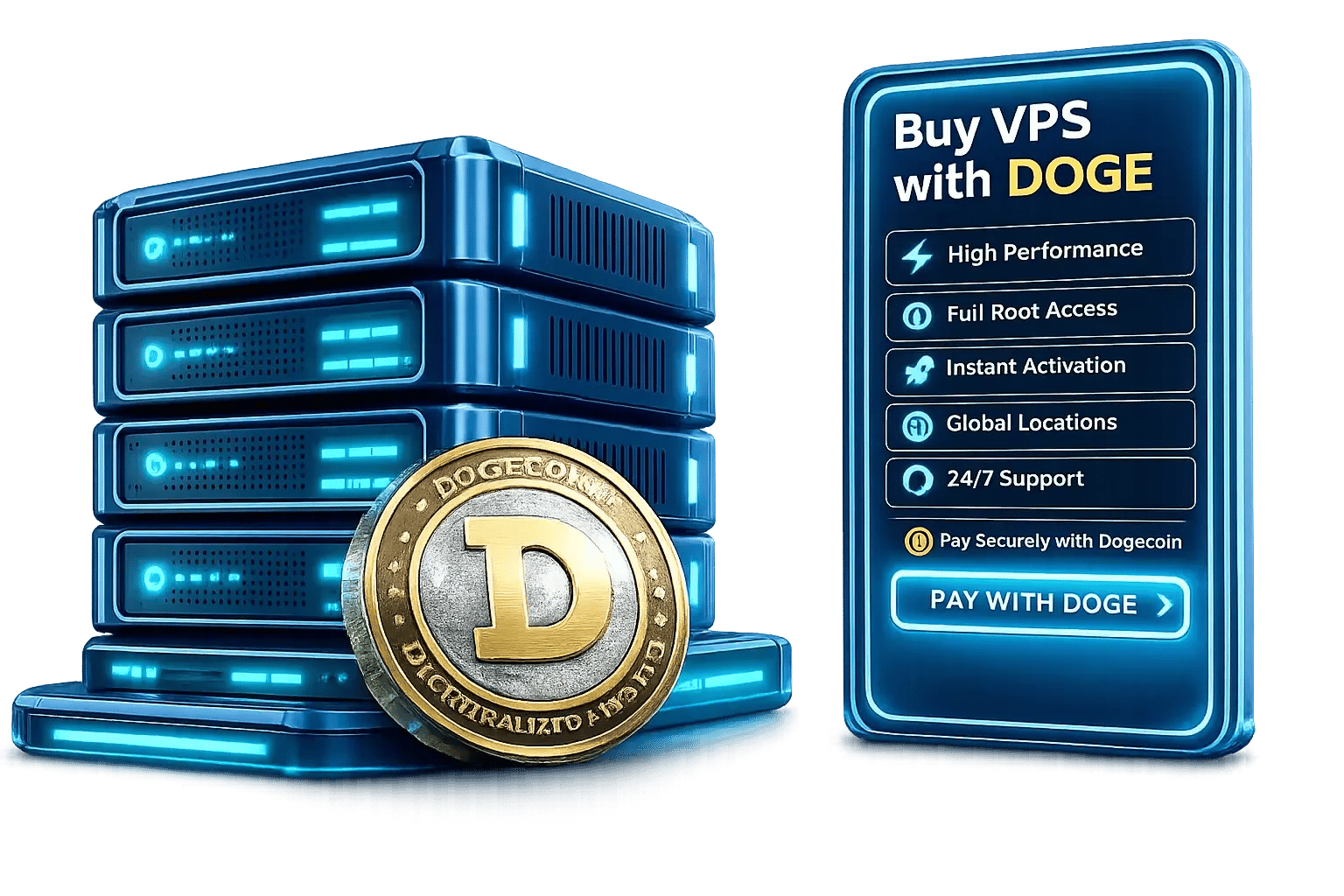
Pay with DOGE, Configure the VPS You Need
Purchase an eligible Linux or Windows VPS with Dogecoin when DOGE appears as an available checkout option. Select the CPU, RAM, storage, operating system, billing period, and server location that fit your workload, then complete the active crypto invoice using the exact DOGE amount and wallet address provided. VPS provisioning begins after the required blockchain confirmations and payment clearance.
DOGE availability, invoice value, network fees, confirmation time, and provisioning time can vary. Always follow the information shown on the current invoice and do not reuse an expired payment address or amount.
Choose a VPS according to your actual workload and management requirements. Compare the available Linux and Windows options, vCPU, RAM, storage, traffic allowance, billing period, and server location before continuing to checkout.
When Dogecoin is displayed as an available cryptocurrency payment method, select DOGE and generate the payment invoice. The invoice identifies the exact DOGE amount, destination wallet address, and expiration time for the transaction.
Send only native DOGE through the Dogecoin network and make sure the payment gateway receives the full invoice amount. Available plans, operating systems, locations, and payment options can vary during ordering.
Rated 5 from 1 votes
Geekbench 6 multi-core benchmarks measured on production hardware in Amsterdam, Netherlands
Dogecoin can provide a convenient checkout option for customers who already hold DOGE, but the payment method is only one part of choosing a VPS provider. Your server also needs suitable resources, a compatible operating system, administrative access, an appropriate location, clearly defined network terms, and access to support when an order or infrastructure issue occurs. MonoVM combines crypto-friendly checkout options with configurable VPS hosting, allowing eligible customers to pay with DOGE while selecting a server environment that matches their technical requirements.
Compare the available vCPU, RAM, storage, traffic allowance, and network terms before paying. Select enough capacity for the operating system, applications, background services, expected users, and future workload growth rather than choosing a configuration based only on its starting price.
Choose from the server locations available for your selected plan and operating system. Placing the VPS closer to its users or external services may reduce network distance, although actual latency also depends on internet providers, network routes, congestion, and the destination network.
Install compatible software, configure services, manage user accounts, adjust firewall rules, and control the operating environment according to your workload. The customer remains responsible for application installation, software configuration, operating system administration, security policies, updates, and backups unless a managed service is explicitly included.
Contact the MonoVM support team for assistance with invoice status, account access, VPS delivery, platform availability, network connectivity, billing, and infrastructure-related issues. Support for customer-installed applications or custom system administration is not automatically included with an unmanaged VPS.

Note: Latency values are approximate averages measured from Central Europe under normal network conditions and are updated regularly to reflect current routing performance. Actual latency may vary depending on your ISP, network congestion, and geographic location.
Choose the storage capacity and type displayed with your selected plan. SSD storage is suitable for general server workloads, while an NVMe option may provide better performance for databases, build processes, development environments, and applications that frequently read or write data. Storage technology and capacity can vary according to the plan and location.
The RAM and vCPU displayed on the order page apply to the VPS configuration you select. Review the requirements of your operating system and software before paying with Dogecoin, and leave enough capacity for background services, updates, traffic growth, and temporary workload spikes.
Port speed, included traffic, bandwidth policies, IP availability, and network capacity can vary by VPS plan and server location. Review the order details before generating the invoice so the selected network profile matches your application and expected traffic. Do not assume that every plan includes identical or unlimited network resources.
Dogecoin can be a practical payment choice for customers who already hold DOGE and prefer a wallet-based checkout instead of using a credit card or bank transfer for that transaction. DOGE payment does not remove account, service, legal, or compliance requirements. Its market value can also change, so the invoice should be generated only when you are ready to complete the payment.

A VPS purchased with Dogecoin provides the same type of server environment as an equivalent plan purchased through another supported payment method. The workloads you can operate depend on the selected operating system, CPU, RAM, storage, network rules, software licensing, acceptable-use requirements, and application compatibility.
Purchase your VPS securely and deploy a high-performance Windows or Linux server shortly after payment confirmation.
Your honest review is the best proof of an excellent customer experience. Leave your comments on the customer dashboard and help other users with your sincere opinion.

Most companies don’t accept Bitcoin, and that’s the main reason I prefer to choose Monovm.
AlexI'm new here and ordered a starter site. They’ve been in contact with me every day, and my site is now online. So far, I’m really satisfied with their service and support.
It’s great to have access to experts who can guide me through live chat, which is why I’ve been registering my domains and emails with Monovm for several years.
Find answers to additional questions about renewing, upgrading, paying from an exchange, privacy, refunds, backups, server migration, and operating system changes after purchasing a VPS with DOGE.
You can pay a renewal invoice with Dogecoin when DOGE is displayed as an available payment method for that invoice. Payment gateways and supported cryptocurrencies can change, so review each renewal invoice rather than assuming that the options offered for the original purchase will remain identical.
MonoVM offers several cryptocurrency payment options in addition to Dogecoin. Depending on the asset you prefer and the options available at checkout, you can pay for a VPS with Solana (SOL), use BNB for VPS payments, choose Bitcoin Cash (BCH), or pay with Dash (DASH).
An exchange withdrawal can be used only when the exchange supports native DOGE withdrawals to the address displayed on the invoice and allows you to send the required amount before the invoice expires. Exchange withdrawal fees, minimum withdrawal limits, processing delays, and fee deductions can result in a late or incomplete payment. Review the exchange and gateway instructions before sending.
No. Dogecoin transactions are recorded on a public blockchain and can generally be viewed through block explorers. A wallet address does not automatically reveal a person's identity, but account information, order records, exchange data, payment-gateway checks, or applicable compliance procedures may connect a transaction with a customer. Dogecoin payments should not be advertised as completely anonymous.
Automatic backups should not be assumed unless they are explicitly included with the selected service. The current VPS terms place responsibility for VPS data backups on the customer. Configure an independent backup process before installing critical applications, performing upgrades, or making major system changes.
A location change may require a server migration, replacement VPS, new IP address, or manual review. Availability depends on the selected plan, operating system, destination location, and infrastructure capacity. Back up your data and confirm the available process with support before requesting the change.
Reinstallation or operating system changes may be available according to the selected VPS plan and control options. Reinstalling the operating system can erase existing server data and configuration. Create a verified backup before starting and confirm that the replacement operating system is available in the current server location.
Reinstallation or operating system changes may be available according to the selected VPS plan and control options. Reinstalling the operating system can erase existing server data and configuration. Create a verified backup before starting and confirm that the replacement operating system is available in the current server location.
Learn how cryptocurrency VPS payments work, how to verify payment details, and how to avoid common mistakes when completing a crypto checkout.
18 Jun 2026 / 0 commentsLearn how to pay for a VPS using NOWPayments and cryptocurrency. Follow this step-by-step guide to complete secure crypto payments and activate your VPS quickly.
 29 Jun 2026 / 0 comments
Learn how to pay for your VPS with Cryptomus in just a few simple steps. Follow this guide to complete your crypto payment securely and activate your VPS without delays.
 09 Jul 2026 / 0 comments
Learn how to pay for a VPS with CoinPayments using Bitcoin, USDT, Litecoin, and other cryptocurrencies. Follow this simple 2026 step-by-step guide for fast, secure, and hassle-free VPS payments.