






















 18 Jun 2026 / 0 comments
How to Pay for a VPS with NOWPayments 💳
Learn how to pay for a VPS using NOWPayments and cryptocurrency. Follow this step-by-step guide to complete secure crypto payments and activate your VPS quickly.
Crypto-Friendly Payments, Reliable VPS Hosting
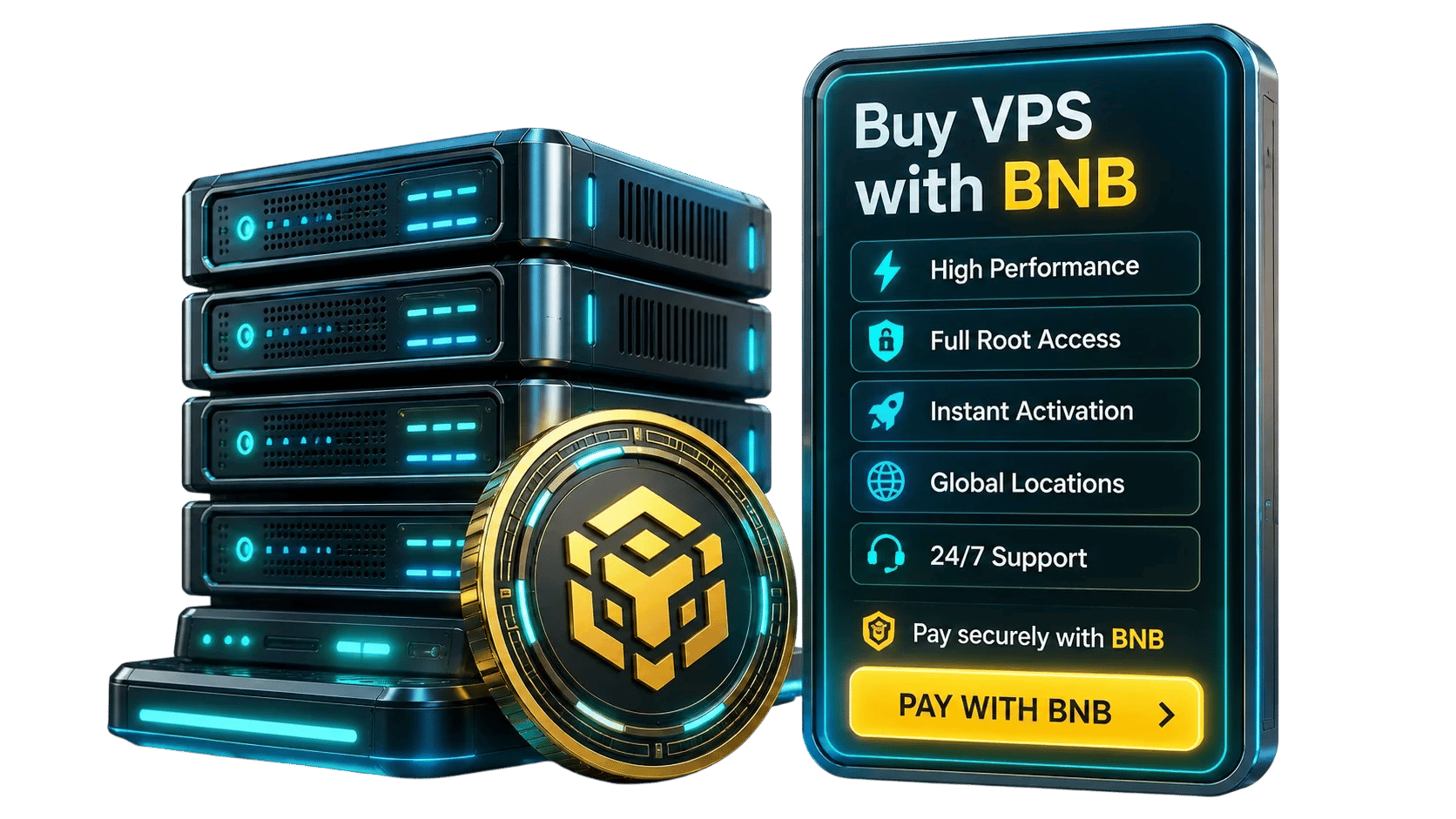
Pay for an eligible Linux or Windows VPS with BNB through a supported cryptocurrency payment gateway. Choose your server resources, operating system, and location, then complete the payment using the wallet address and network shown on your invoice.
Provisioning begins after the payment gateway confirms the transaction. Paying with BNB does not change the resources included in your plan—you still receive the access level, storage, bandwidth, and support available with your selected VPS configuration.
BNB provides a convenient crypto-native checkout option for customers who prefer not to use cards or bank transfers. Confirmation and provisioning times may vary depending on the blockchain network, payment provider, selected plan, and server availability.
Choose an eligible MonoVM VPS plan and pay with BNB during crypto checkout. Your CPU, RAM, storage, bandwidth, operating system, and server location are determined by the selected plan—not by the payment method.
Rated 5 from 1 votes
Geekbench 6 multi-core benchmarks measured on production hardware in Amsterdam, Netherlands
Use BNB to purchase an eligible MonoVM VPS while keeping the same server options, access level, and support available with other payment methods. Select the configuration that fits your workload and complete your order through the supported crypto checkout.
Eligible monthly and annual VPS plans include a 7-day money-back period. Crypto refunds are handled according to MonoVM’s refund policy and the payment provider’s processing requirements.
Eligible VPS services are covered by a 99.9% monthly network uptime SLA. Measurement methods and service-credit conditions are defined in the applicable SLA terms.
Contact the MonoVM support team around the clock for assistance with your order, payment status, server access, and VPS infrastructure.

Note: Latency values are approximate averages measured from Central Europe under normal network conditions and are updated regularly to reflect current routing performance. Actual latency may vary depending on your ISP, network congestion, and geographic location.
Receive the RAM and vCPU allocation listed for your selected plan, with upgrade options available on supported configurations.
Network port speed, traffic allowance, and bandwidth terms vary by plan and location. Check the order details for the exact limits that apply to your VPS.
BNB is the native coin of the BNB Chain ecosystem and offers a convenient payment option for customers who already use digital assets.
Complete your VPS purchase using BNB without entering card information during the crypto payment process.
Your order moves to provisioning after the payment gateway confirms the transaction on the supported network.
BNB provides an alternative for customers who prefer cryptocurrency payments over traditional card or bank-based methods.
The payment invoice displays the wallet address, supported network, exact BNB amount, and payment expiration time. Always verify these details before sending funds.
If BNB isn't the cryptocurrency you want to use, MonoVM provides several other crypto payment options for VPS purchases. You can buy a VPS with Bitcoin, pay with Litecoin (LTC), complete your purchase through the TRON network, or use supported stablecoins when you prefer a stablecoin-based payment method.

Deploy dApp backends, blockchain-connected services, APIs, databases, and development tools in a customizable server environment.
Host payment listeners, wallet notification services, transaction monitors, price trackers, and internal dashboards on an always-available VPS.
Purchase your VPS securely and deploy a high-performance Windows or Linux server shortly after payment confirmation.
Your honest review is the best proof of an excellent customer experience. Leave your comments on the customer dashboard and help other users with your sincere opinion.

Most companies don’t accept Bitcoin, and that’s the main reason I prefer to choose Monovm.
AlexI'm new here and ordered a starter site. They’ve been in contact with me every day, and my site is now online. So far, I’m really satisfied with their service and support.
It’s great to have access to experts who can guide me through live chat, which is why I’ve been registering my domains and emails with Monovm for several years.
If you're planning to buy VPS with BNB, you may have questions about cryptocurrency payments, VPS deployment, operating systems, and account management. Here are the answers to the questions our customers ask most frequently.
If BNB is displayed as an available payment option during checkout, you can use it to pay for your selected VPS plan.
Choose your VPS plan and proceed to checkout. Select the supported cryptocurrency payment gateway, choose BNB, and send the exact amount to the wallet address shown on your invoice.
Use only the payment network displayed on the invoice. Do not assume that every BNB network is supported. Sending funds through an unsupported network may delay the order or make the payment unrecoverable.
Provisioning begins after the payment gateway confirms the transaction. Final activation time can also depend on the selected operating system, server location, plan availability, and provisioning status.
Yes, provided BNB is available at checkout for the selected plan. Available operating systems may vary by VPS configuration and location.
Do not send a second payment. Contact support with your order ID and transaction hash. The payment provider will review the transaction and explain the available resolution options.
Contact support immediately and provide the transaction hash and order details. Recovery is not guaranteed when funds are sent through an unsupported network or to an incorrect address.
The invoice displays the required payment amount. Blockchain network fees and payment-provider charges may also apply, depending on the wallet, exchange, network, and payment gateway used.
MonoVM supports several cryptocurrency payment options in addition to BNB. Depending on the asset you prefer, you can pay for a VPS with Solana (SOL), use Bitcoin Cash (BCH), choose Dogecoin (DOGE), or pay with Dash (DASH) for supported VPS orders.
Always verify the wallet address, supported payment network, invoice amount, and expiration time before sending BNB. Never send funds to an address provided outside the official checkout process.
Available VPS locations are displayed during plan configuration. Location availability may vary according to the selected operating system and server resources.
Eligible VPS orders are covered by MonoVM’s applicable refund policy. The refund method, amount, network fees, and processing time may depend on the payment provider and policy terms.
Learn how cryptocurrency VPS payments work, how to verify payment details, and how to avoid common mistakes when completing a crypto checkout.
18 Jun 2026 / 0 commentsLearn how to pay for a VPS using NOWPayments and cryptocurrency. Follow this step-by-step guide to complete secure crypto payments and activate your VPS quickly.
 29 Jun 2026 / 0 comments
Learn how to pay for your VPS with Cryptomus in just a few simple steps. Follow this guide to complete your crypto payment securely and activate your VPS without delays.
 09 Jul 2026 / 0 comments
Learn how to pay for a VPS with CoinPayments using Bitcoin, USDT, Litecoin, and other cryptocurrencies. Follow this simple 2026 step-by-step guide for fast, secure, and hassle-free VPS payments.