By 2026, the information technology world is drastically changing to demand decentralized and cloud computing services at a very fast rate. Consequently, more than 95 percent of organizations of any size are using remote access tools to connect to their systems. Meanwhile, network specialists, system administrators, and developers are continually confronted with the problem of which tool is more efficient and secure to manage their infrastructures. Two leading solutions in this space are RDP and SSH. But which one should you use? SSH vs RDP? Both are strong tools, but they are intended for completely different functions. I will bring you closer to the protocols of these two worlds so that you can understand which one is really designed for your needs.
What Is the SSH Protocol?
The Secure Shell protocol or SSH is an encrypted network protocol that securely connects two systems over an untrusted network. One of the primary objectives of SSH was to replace Telnet and rlogin with a secure alternative. However, SSH is now widely used for managing Linux servers, network devices, and cloud infrastructures.
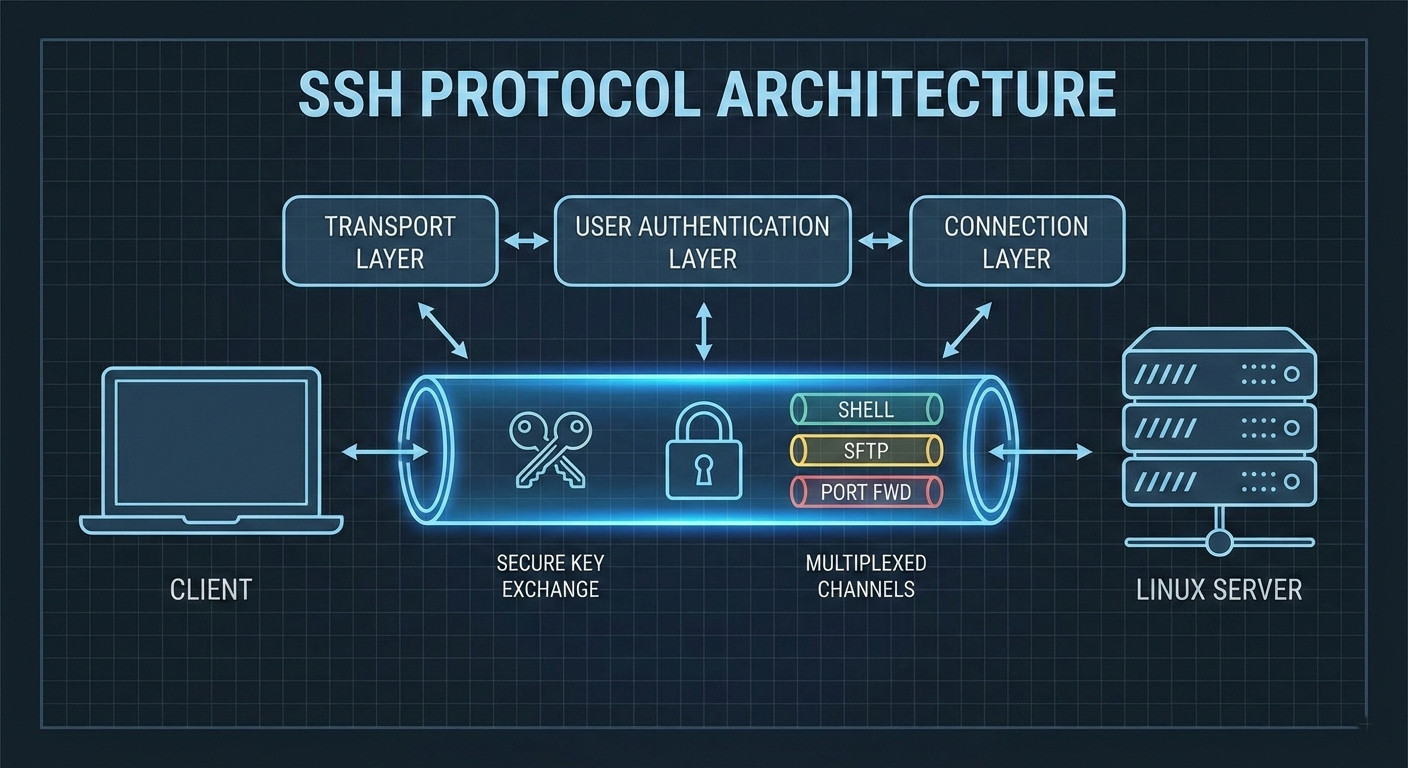
Technically, SSH is clientserver, based and works at the transport and session layers of the OSI model. After the release of SSH, 2, the protocol is structured in three layers:
- Transport Layer: This layer is in charge of key exchange, server authentication, and data confidentiality.
- User Authentication Layer: This layer contains the mechanisms that authenticate users.
- Connection Layer: This layer makes it possible for the various logical channels to co, exist in one physical connection.
With this structure, you are essentially communicating directly with the core of the operating system.
Key Features of SSH
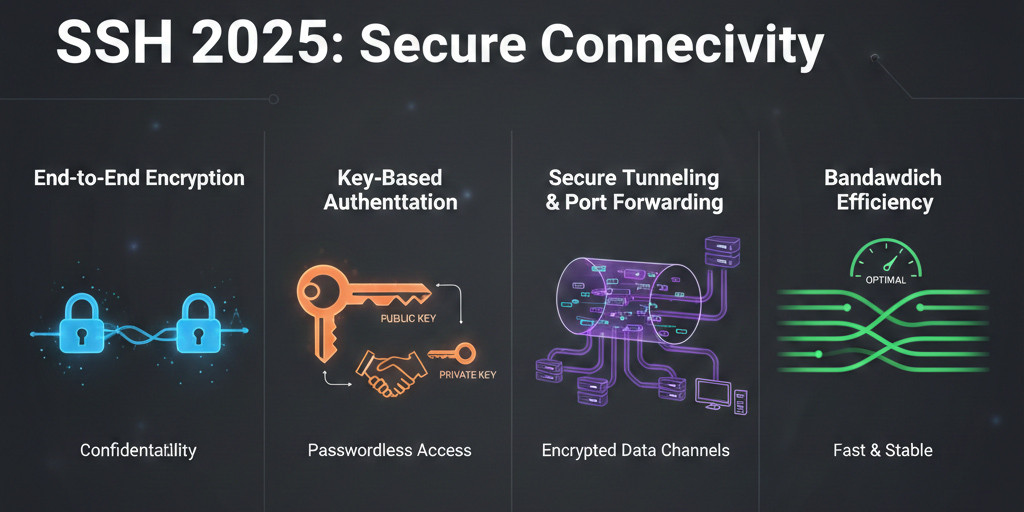
The features that are most prominent for SSH in 2026 are:
- End-to-end encryption: Employs top, tier algorithms like AES, 256 and ChaCha20 to guarantee that data is absolutely secure against interception or eavesdropping.
- Key-based authentication: Eliminates the use of weak passwords by substituting them with publicprivate key pairs, thereby making brute, force password attacks ineffective.
- Tunneling and port forwarding: Allows securely routing of any other protocols via an SSH tunnel, which is indispensable for getting internal databases and web services.
- Bandwidth efficiency: SSH is highly resource, friendly and, due to its text, based format, it can still perform very well on ultra, low, bandwidth connections like satellite links or IoT environments.
SSH is so commonly used that it is predicted that about 96% of organizations will be dependent on this protocol for their distributed systems management by 2032. For a deeper technical breakdown, read our complete guide on What is SSH Protocol.
What Is the RDP Protocol?
The Remote Desktop Protocol (RDP) is a software that Microsoft uses to give a user graphical remote access to Windows machines. An RDP session is a full virtual desktop that mimics the graphical environment of the remote system, whereas SSH confines the user to command, line instructions.
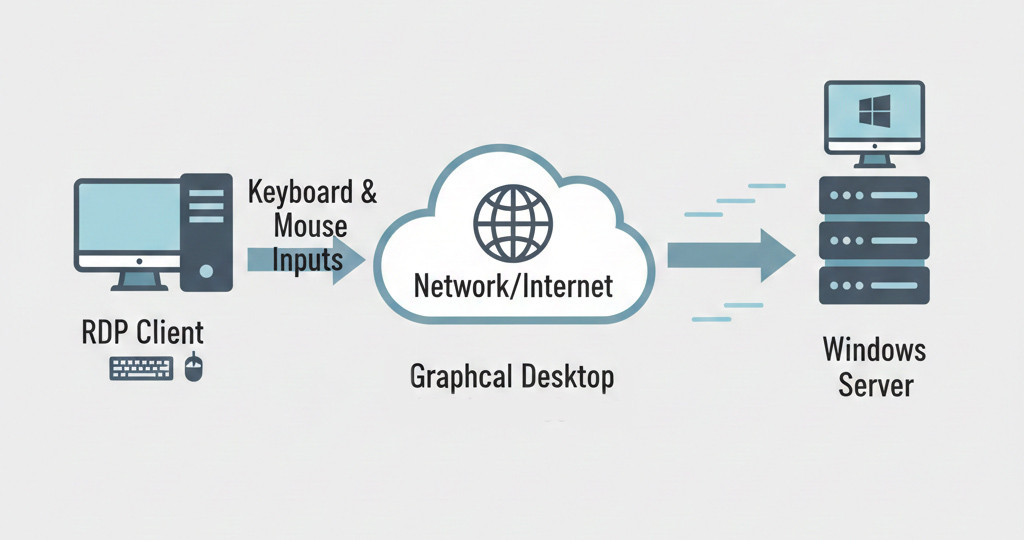
Technically, RDP is an application layer protocol that mainly handles graphical data but can also transport mouse and keyboard inputs as well as audio. The upgrade to Windows App in May 2026 was a fork in the road for Microsoft. The company discontinued the Remote Desktop legacy application and ushered users into a single platform that, apart from connecting to local devices, is also compatible with Azure Virtual Desktop and Windows 365.
Key Features of RDP
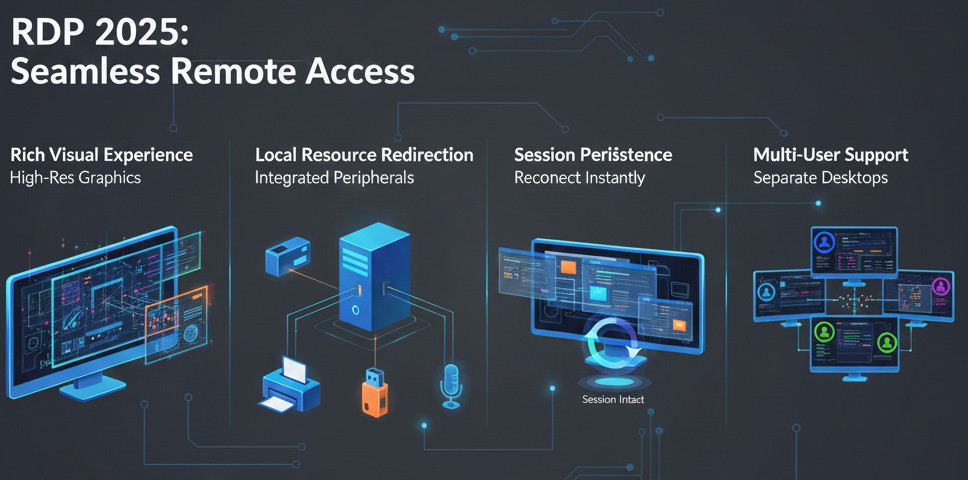
At present, the most outstanding features of RDP are:
- Rich visual experience: RDP supports streaming and rendering of crisp graphics for both the primary and secondary display(s).
- Local resource redirection: One can be printing on their local printer or recording through their microphone while in the remote desktop. Moreover, local drives, smart cards, and USB ports can be redirected to the remote system.
- Session persistence: Users can disconnect and later reconnect to a session in which the status of applications and windows remains unchanged.
- Multi-user support: On Windows Server editions, multiple users can connect to the same system at the same time, each with their own separate desktop session.
Currently, approximately 87% of organizations operating within the Microsoft ecosystem have adopted RDP as their primary tool for technical support and remote access. For a deeper look, check out our guide on What is Remote Desktop Protocol and see if RDP fits your needs.
Protocol difference between ssh and rdp
The difference between SSH and RDP is not limited to “text versus graphics”; from a technical standpoint, these two protocols operate in fundamentally different worlds. SSH is designed with minimalism and security as its core principles, whereas RDP is developed to deliver rich content and a user-friendly experience.
Let’s take a quick look at a comparison table to better understand these two tools.
|
Comparison Criteria |
SSH |
RDP |
|
User Interface Type |
Command-line interface (CLI); command-based and suited for technical users |
Graphical user interface (GUI); full desktop experience |
|
Primary Purpose |
Server management, command execution, secure file transfer |
Remote desktop access and working with Windows environments |
|
Protocol Layer |
Application Layer over TCP with an encrypted tunnel |
Application Layer over TCP and UDP with graphical processing |
|
Default Port |
22 (commonly changed to improve security) |
3389 (frequent target of network attacks) |
|
Type of Data Transferred |
Text, command output, files |
Images, graphical frames, mouse and keyboard input |
|
Bandwidth Usage |
Very low and highly efficient |
Medium to high, dependent on display quality |
|
Performance on Weak Networks |
Stable and reliable |
Sensitive to latency and packet loss |
|
System Resource Usage |
Very low CPU and RAM usage |
Higher resource usage due to graphical processing |
|
Primary Platform |
Linux / Unix (fully cross-platform) |
Windows (Windows-centric) |
|
Operating System Support |
Linux, macOS, Windows, Unix |
Windows servers with multi-platform clients |
|
Licensing |
Open-source and free |
Requires Microsoft licensing |
|
Default Security Level |
Very high with strong encryption and key-based auth |
Acceptable, but requires additional hardening |
|
Authentication Methods |
Password, public key, MFA |
Username/password, Network Level Authentication (NLA) |
|
Automation Capability |
Excellent (scripts, DevOps, CI/CD workflows) |
Limited, mostly manual interaction |
|
Scalability |
Highly scalable for managing many servers |
Limited by system resources and licensing |
|
Best Suited For |
System administrators, developers, DevOps engineers |
Windows users, IT support, graphical workflows |
|
User Experience |
Technical, fast, and precise |
Visual, intuitive, and user-friendly |
|
Internet Exposure Risk |
Lower when properly configured |
Higher if exposed without restrictions |
|
Multi-User Support |
Yes, with minimal overhead |
Yes, but requires more resources and licenses |
Let’s take a more detailed look at the main differences between SSH and RDP.
User Interface Type
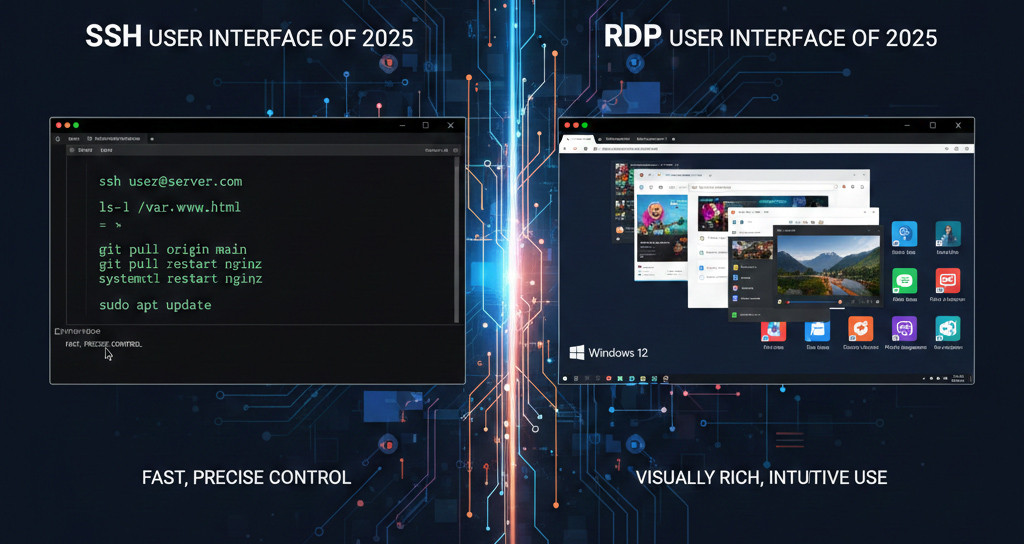
SSH provides a fully text-based command-line interface, where all system management is performed through commands. This approach offers high speed, precision, and control for technical users. In contrast, RDP delivers a complete graphical environment and shows the exact Windows desktop, which makes it far more convenient for visual tasks and non-technical users.
Protocol Layer
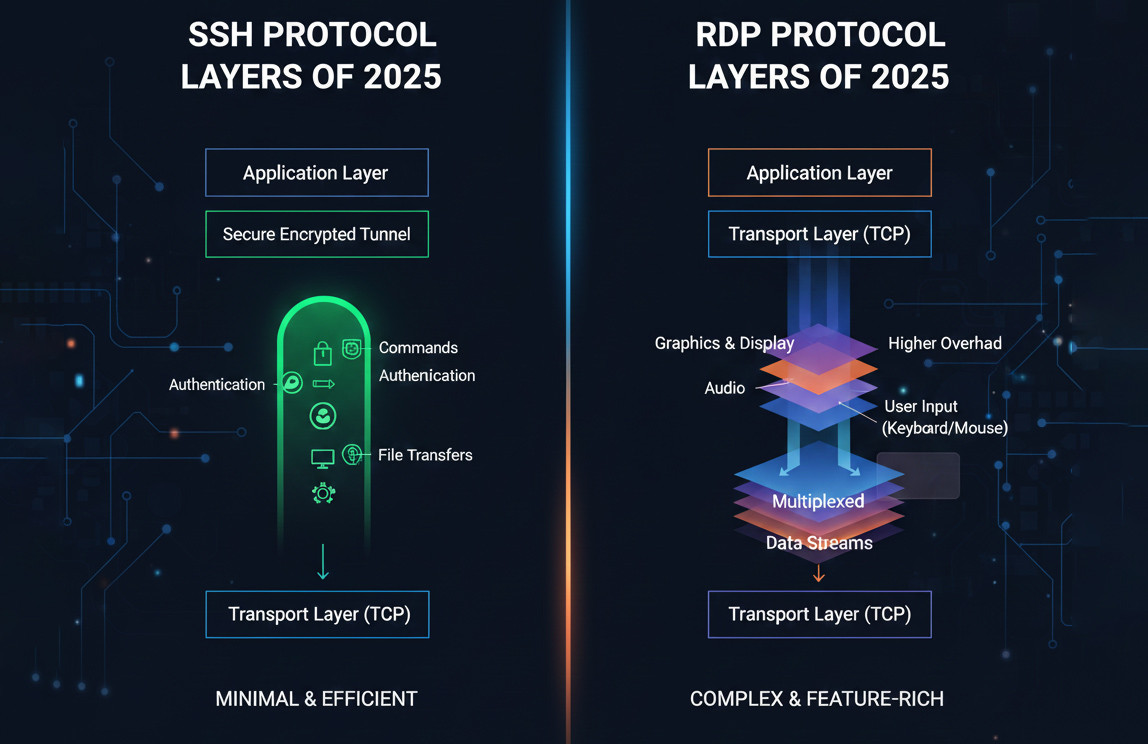
SSH runs at the Application layer over TCP and creates a secure encrypted tunnel for data exchange. Everything, from authentication to command execution and file transfer, takes place within this tunnel. RDP also operates at the Application layer, but because it handles graphics, audio, and user input, it has a more complex architecture and higher overhead.
Primary Platform
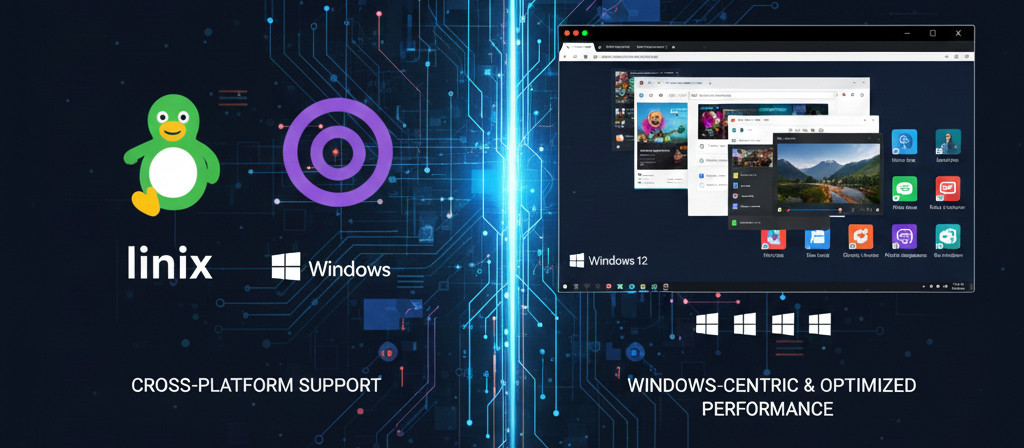
SSH was originally designed for Linux and Unix systems and is enabled by default on most servers. Today, it is available on almost all operating systems, including Windows and macOS. RDP, however, is a Windows-centric technology and delivers its best performance and support in Microsoft-based environments.
Licensing

SSH is fully open-source and free to use, with no additional fees or licenses required. This makes it a cost-effective choice for large-scale and scalable projects. RDP depends on Microsoft licensing and in enterprise environments this can introduce additional costs.
System Resource Usage
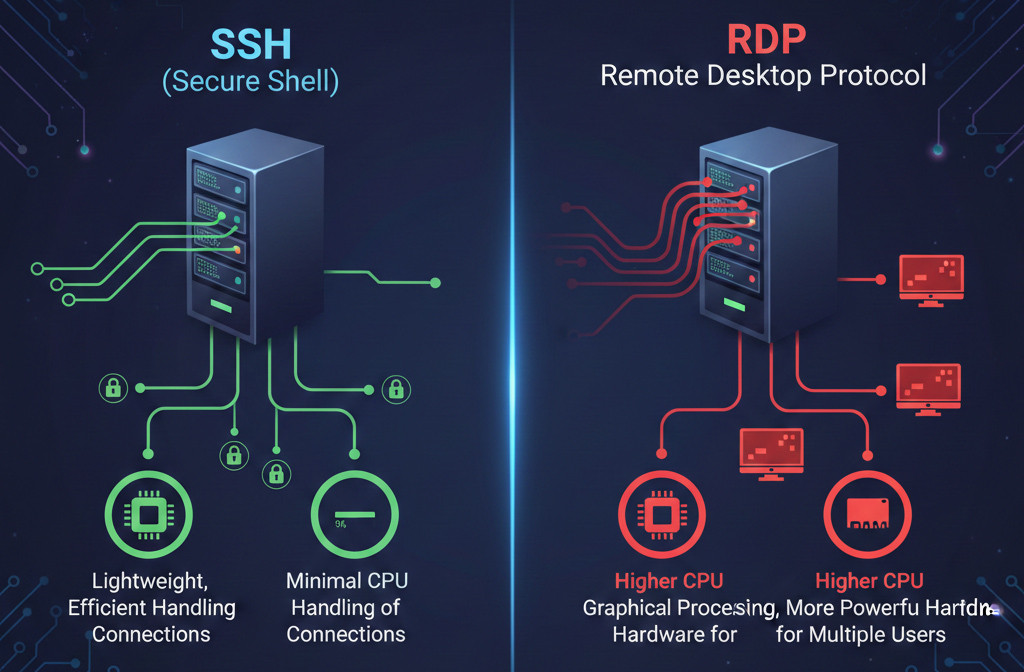
SSH is very lightweight, using minimal CPU and RAM even with multiple connections, making it ideal for low-resource servers. RDP, however, consumes more resources due to graphical processing and needs stronger hardware as users increase. It also requires 1–10 Mbps bandwidth and low latency (below 150 ms) to avoid mouse lag, while SSH stays efficient even on very low bandwidth and high-latency connections because it transmits small, text-based packets.
Automation Capabilities
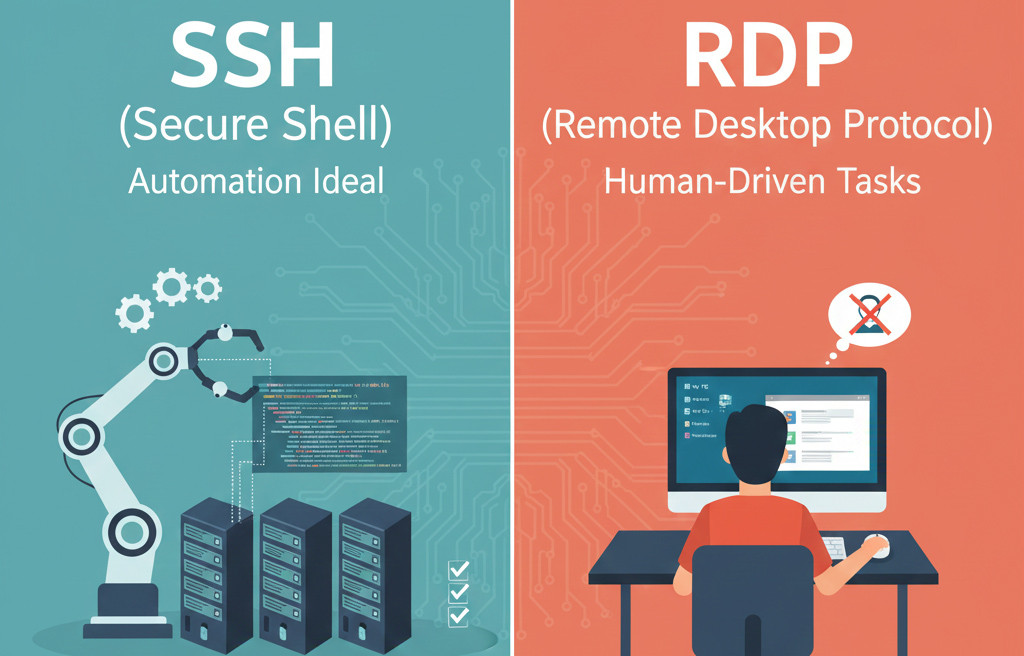
SSH is naturally designed for automation and forms the foundation of many DevOps and server management tools. Running scripts and managing multiple systems simultaneously with SSH is straightforward. RDP is better suited for interactive, human-driven tasks and is not an ideal choice for large-scale automation.
Primary Use Case
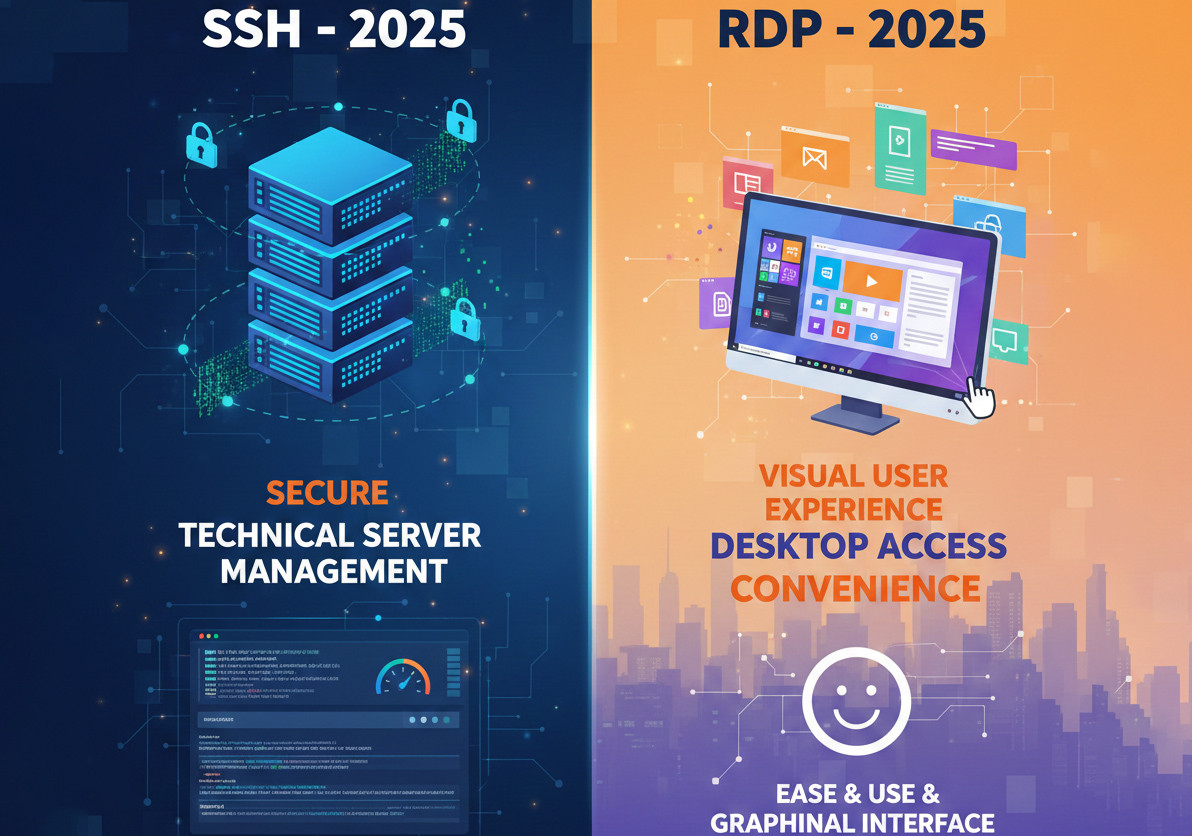
Ultimately, the underlying philosophy of these two protocols is different. SSH is built for technical, secure, and scalable server management, where accuracy, speed, and security are top priorities. RDP is designed for desktop access and a visual user experience, where convenience, a graphical interface, and direct interaction matter more. The right choice comes from clearly understanding this difference.
For a broader comparison with other remote access technologies, check out our detailed guides on Telnet vs SSH and RDP vs VNC to see how these protocols differ in security, performance, and use cases.
Step-by-Step Guide to Setting Up SSH in 2026
With the widespread integration of Linux tools into Windows, setting up SSH has become simpler and more consistent across all platforms.
Enabling SSH on Windows 11 (Version 24H2)
In recent versions of Windows, Microsoft includes OpenSSH as an optional but built-in feature.
- Go to Settings > Apps > Optional features.
- Under Add an optional feature, search for OpenSSH Server and install it.
- After installation, you need to start the service. Open PowerShell with administrator privileges and run the following commands:
Start-Service sshd
Set-Service -Name sshd -StartupType 'Automatic'
- For the highest level of security, using the Ed25519 algorithm is recommended. On your client system, run the following command:
ssh-keygen -t ed25519 -C "admin_access_2026"
This command generates a key pair. Place the public key in the ~/.ssh/authorized_keys file on the target server to enable passwordless and fully secure authentication.
To get started in practice, follow our step-by-step guide on SSH Connection to VPS and securely access your server in minutes.
Step-by-Step Guide to Setting Up RDP in 2026
Configuring RDP on Windows Server 2026 and Ubuntu 24.04 requires attention to certain details to maintain stability and security. Follow the steps below for Windows Server 2026.
- In the Server Manager console, go to Local Server and click on Remote Desktop to enable it.
- Make sure the option Allow connections only from computers running Remote Desktop with Network Level Authentication remains enabled.
For improved security, instead of exposing port 3389 to the internet, use a VPN or an RD Gateway.
Installing xRDP on Ubuntu 24.04 (2026 Edition)
For users who want to connect to Ubuntu via RDP, the following steps are essential:
First, install a lightweight desktop environment, with XFCE recommended:
sudo apt install xfce4 xfce4-goodies -y
Install the RDP service itself:
sudo apt install xrdp -y
Add the user to the security group to allow access to SSL certificates:
sudo adduser xrdp ssl-cert
Configure the session file and restart the service:
echo "xfce4-session" > ~/.xsession
sudo systemctl restart xrdp
You can now use xRDP on Ubuntu and RDP across the Windows ecosystem and take full advantage of their capabilities. To see how RDP is used in real-world scenarios, explore our guide on Use Cases of Remote Desktop and discover where it delivers the most value.
The Ultimate Selection Guide: Which One Is Built for You?
After examining all aspects, choosing between SSH and RDP comes down to answering a few key questions.

Choosing SSH Wisely
If you are an SRE engineer, cloud developer, or Linux systems administrator, SSH is an indispensable tool. This protocol is unmatched for the following use cases:
- Managing headless servers and containers.
- Running automated scripts and securely transferring large files via SFTP.
- Accessing low-powered devices such as Raspberry Pi boards or industrial sensors.
- Achieving a very high level of security through post-quantum authentication methods.
In short, if high security, low bandwidth consumption, and command-line access are your priorities, SSH is the better choice. It is open source and works across multiple platforms.
Choosing RDP Wisely
If you work in a Windows-based corporate environment or require rich visual interaction, RDP is the best option. This protocol excels in the following scenarios:
- Providing technical support to users who are not familiar with command-line environments.
- Working with graphics-intensive software, document editing, and visual management of Active Directory.
- Using multimedia features and redirecting local hardware, such as fingerprint scanners, to the server.
- Requiring session persistence for long-running tasks that may last several days.
In summary, RDP delivers superior performance for graphics and video transmission. If you operate within Windows environments, it offers a familiar experience backed by strong native support.
Wrapping It Up: SSH vs RDP
Overall, both SSH and RDP are powerful tools for remote access, but each is designed for different scenarios. If you carefully evaluate your security requirements, the nature of your work, and your network conditions, the choice between SSH and RDP becomes completely clear.
Finally, if you decide to use RDP as your remote access solution and are looking for a stable, ready-to-use service, MonoVM RDP services can be a reliable option. By offering RDP servers with fast deployment, dedicated resources, stable access, multiple locations, and professional technical support, MonoVM enables you to get started immediately without dealing with complex configurations. To begin, you can easily purchase an RDP server that matches your needs through the Buy RDP link.


Hello, everyone, my name is Lisa. I'm a passionate electrical engineering student with a keen interest in technology. I'm fascinated by the intersection of engineering principles and technological advancements, and I'm eager to contribute to the field by applying my knowledge and skills to solve real-world problems.