Virtualization powers modern infrastructure. Whether you’re building a homelab, running enterprise workloads, or deploying scalable VPS nodes, understanding KVM vs Proxmox is essential before choosing your stack.
Many admins search for Linux KVM vs Proxmox, Proxmox vs KVM performance, or ask, Is Proxmox KVM? The confusion is common and understandable.
The short answer: KVM is a hypervisor built into the Linux kernel. Proxmox is a full virtualization platform that uses KVM.
The real difference lies in architecture and management. KVM provides the core virtualization engine. Proxmox adds a web interface, clustering, storage management, backups, and high availability features.
This guide delivers a clear, neutral, and deployment-focused breakdown of KVM vs Proxmox, including architecture, performance realities, ecosystem differences, and real-world use cases.
KVM vs Proxmox – What’s the Real Difference?
When comparing KVM vs Proxmox, the most important distinction is structural.
KVM is a hypervisor. Proxmox is a virtualization platform that uses KVM.
That difference alone resolves most misunderstandings in the KVM vs Proxmox debate.
Let’s answer the most common confusion queries directly.
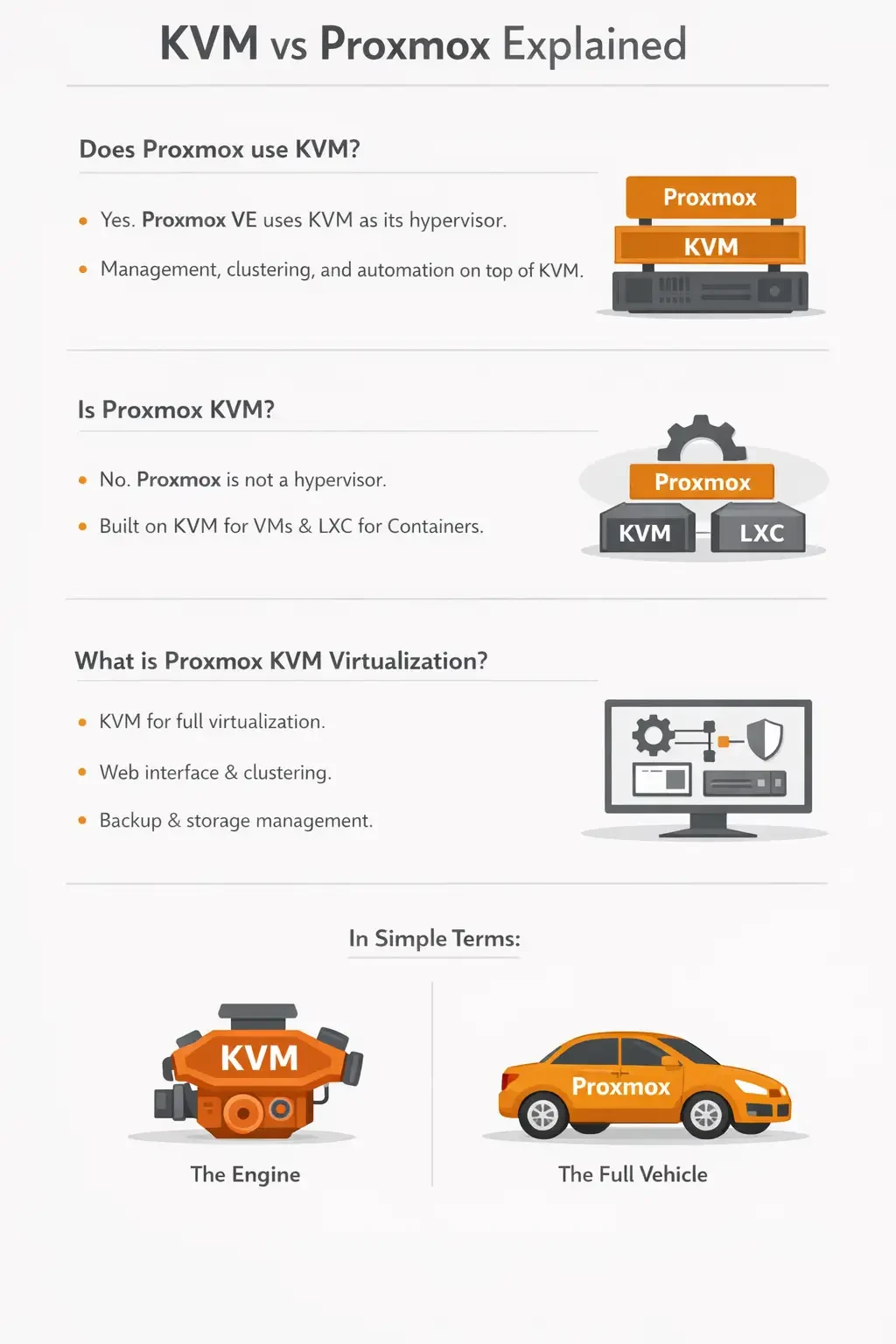
Does Proxmox use KVM?
Yes. Proxmox VE uses KVM as its virtual machine hypervisor.
KVM provides the core virtualization layer that allows Proxmox to run fully isolated virtual machines with near bare-metal performance. Proxmox builds on top of KVM by adding management, clustering, and automation capabilities.
Is Proxmox KVM?
No. Proxmox is not a hypervisor itself. It is a virtualization management platform built on top of KVM for virtual machines and LXC for containers.
KVM handles full hardware virtualization, while LXC provides lightweight container-based virtualization. Proxmox integrates both into a single, unified management environment.
What is Proxmox KVM virtualization?
It refers to Proxmox using KVM as its full virtualization engine while adding a powerful management layer.
Proxmox provides a built-in web interface, clustering capabilities, flexible storage management, and integrated backup tools, all on top of the KVM hypervisor.
In Simple Terms:
KVM is the engine. Proxmox is the full vehicle built around that engine.
Understanding this relationship is the foundation of the entire KVM vs Proxmox debate.
What Is KVM?
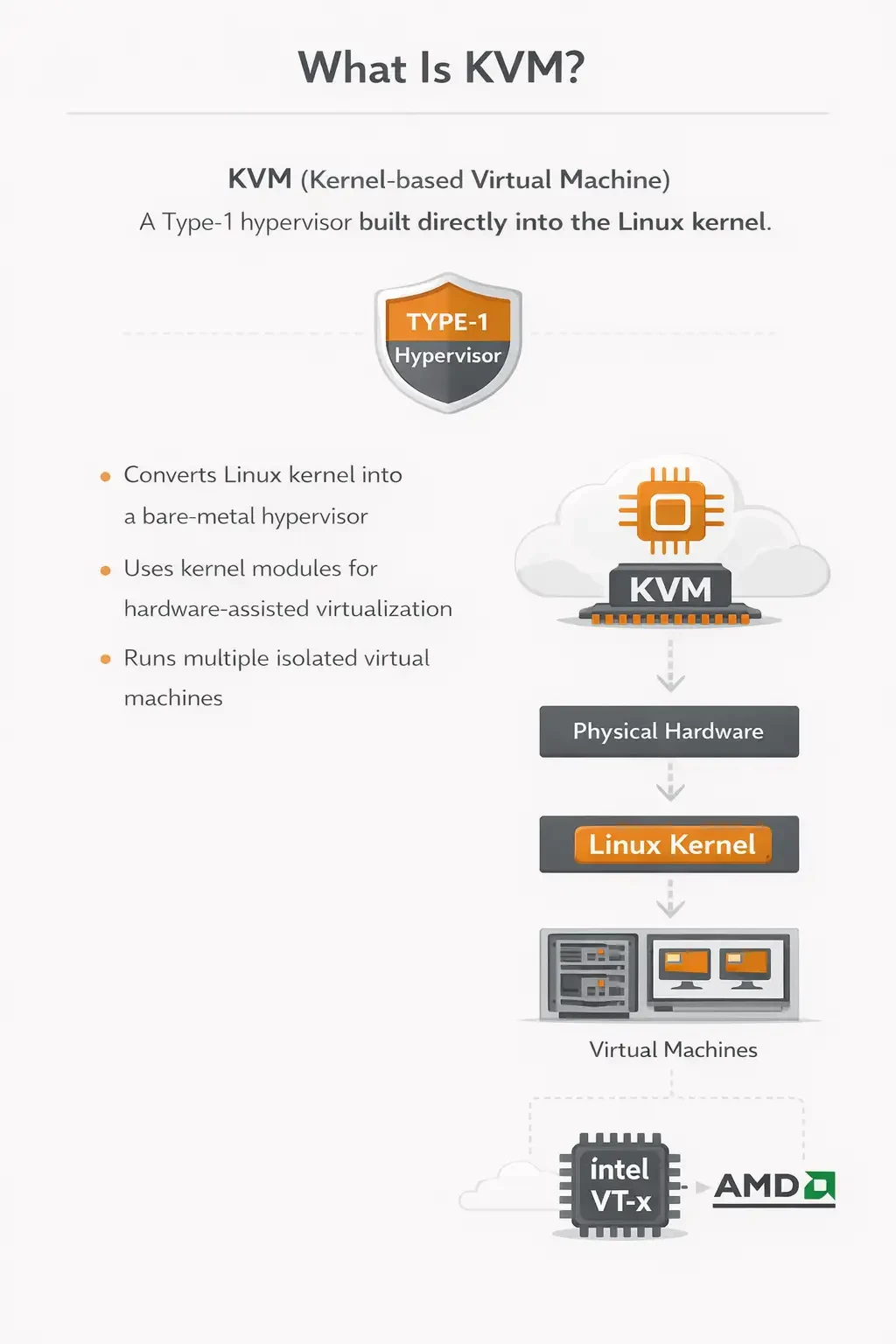
KVM (Kernel-based Virtual Machine) is a Type-1 hypervisor built directly into the Linux kernel.
If you want a deeper technical understanding of how kernel-based virtualization actually works including hardware acceleration, QEMU integration, and real-world infrastructure use cases explore our complete guide on What is KVM Virtualization for a detailed breakdown.
It converts the Linux kernel into a bare-metal hypervisor by loading kernel modules that enable hardware-assisted virtualization. Once enabled, the host system can run multiple isolated virtual machines with direct access to CPU virtualization extensions.
How KVM Works?
KVM relies on Intel VT-x or AMD-V hardware virtualization extensions to provide CPU-level virtualization.
It uses QEMU for device emulation and virtual hardware presentation.
It also depends on the Linux kernel for scheduling, memory management, and resource allocation, which allows virtual machines to benefit from the maturity and stability of the Linux ecosystem.
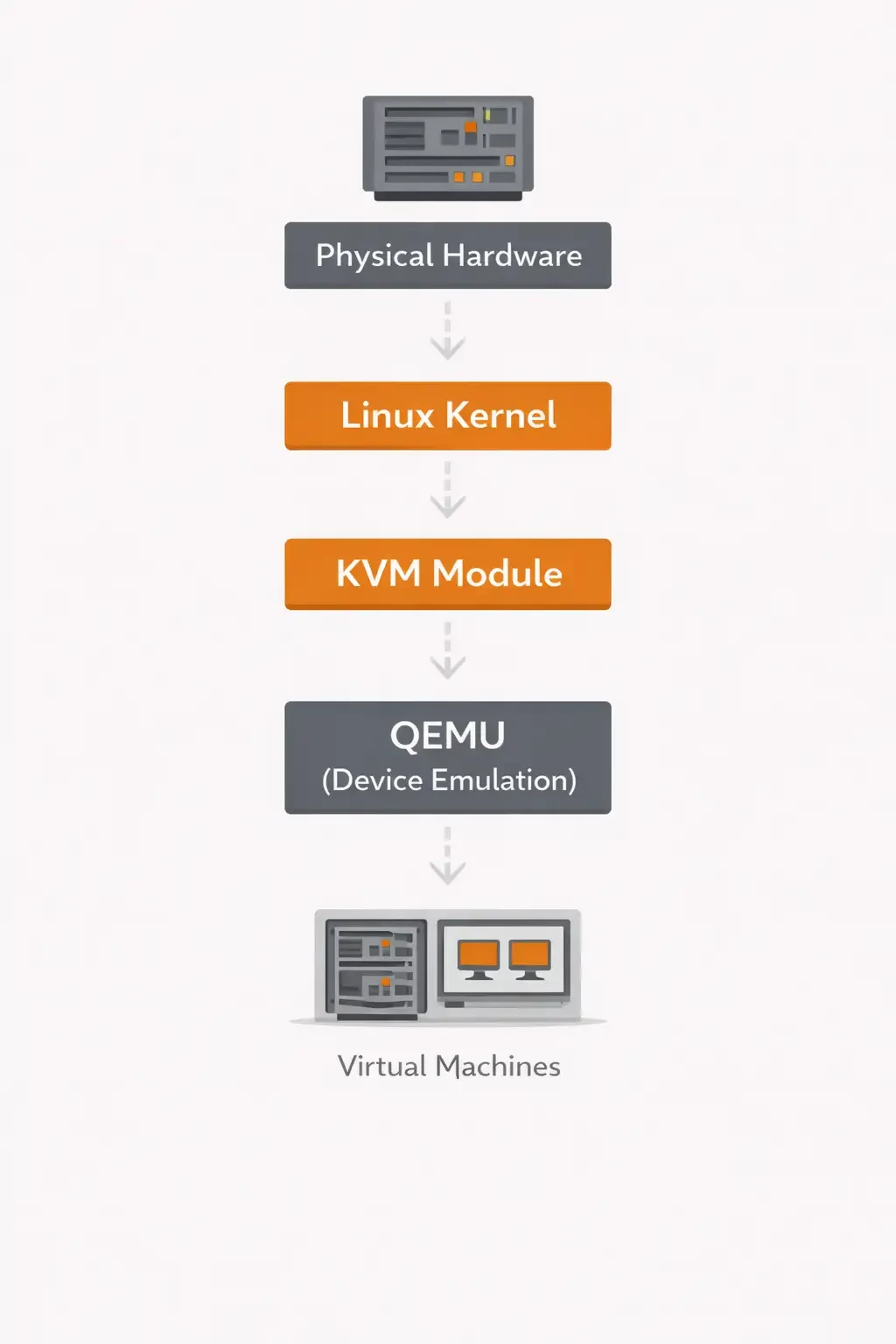
KVM essentially converts Linux into a hypervisor. Each virtual machine runs as a standard Linux process, which allows tight integration with the Linux scheduler, memory management, security controls, and networking stack.
This design gives KVM strong performance, flexibility, and compatibility across modern Linux distributions.
If you’d like a deeper technical breakdown, see our guide on What Is KVM Virtualization.
Key Characteristics of KVM
KVM is fully open-source and built directly into the Linux kernel. It offers enterprise-grade scalability and is widely used by cloud platforms, including OpenStack and infrastructure built on AWS Nitro foundations.
Management is primarily CLI-focused, typically handled through tools like virsh and libvirt. This makes KVM highly flexible, but more hands-on compared to integrated platforms.
KVM can run on multiple Linux distributions, including Ubuntu, Debian, Oracle Linux, CentOS, RHEL, and even OMV-based setups such as OpenMediaVault environments.
This level of distribution flexibility is a central factor when comparing Linux KVM vs Proxmox.
What Is Proxmox?
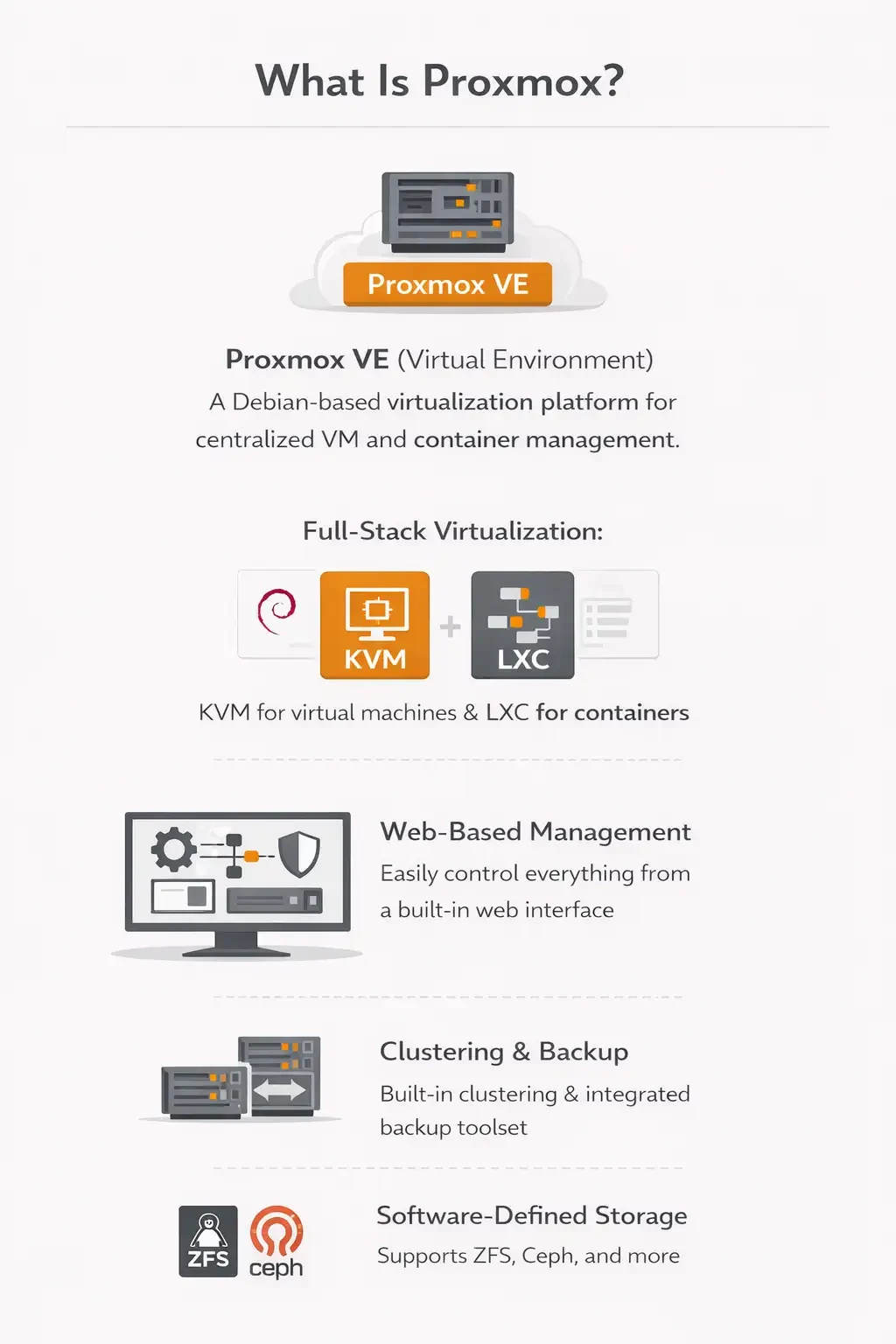
Proxmox VE (Virtual Environment) is a Debian-based virtualization platform designed for centralized VM and container management.
It integrates KVM for full virtualization and LXC for container-based workloads. This allows administrators to run both virtual machines and lightweight containers within the same environment.
Proxmox also includes a built-in web-based management interface, making infrastructure administration accessible without relying entirely on the command line.
In addition, it provides native clustering capabilities, an integrated backup system, and support for software-defined storage solutions such as ZFS and Ceph.
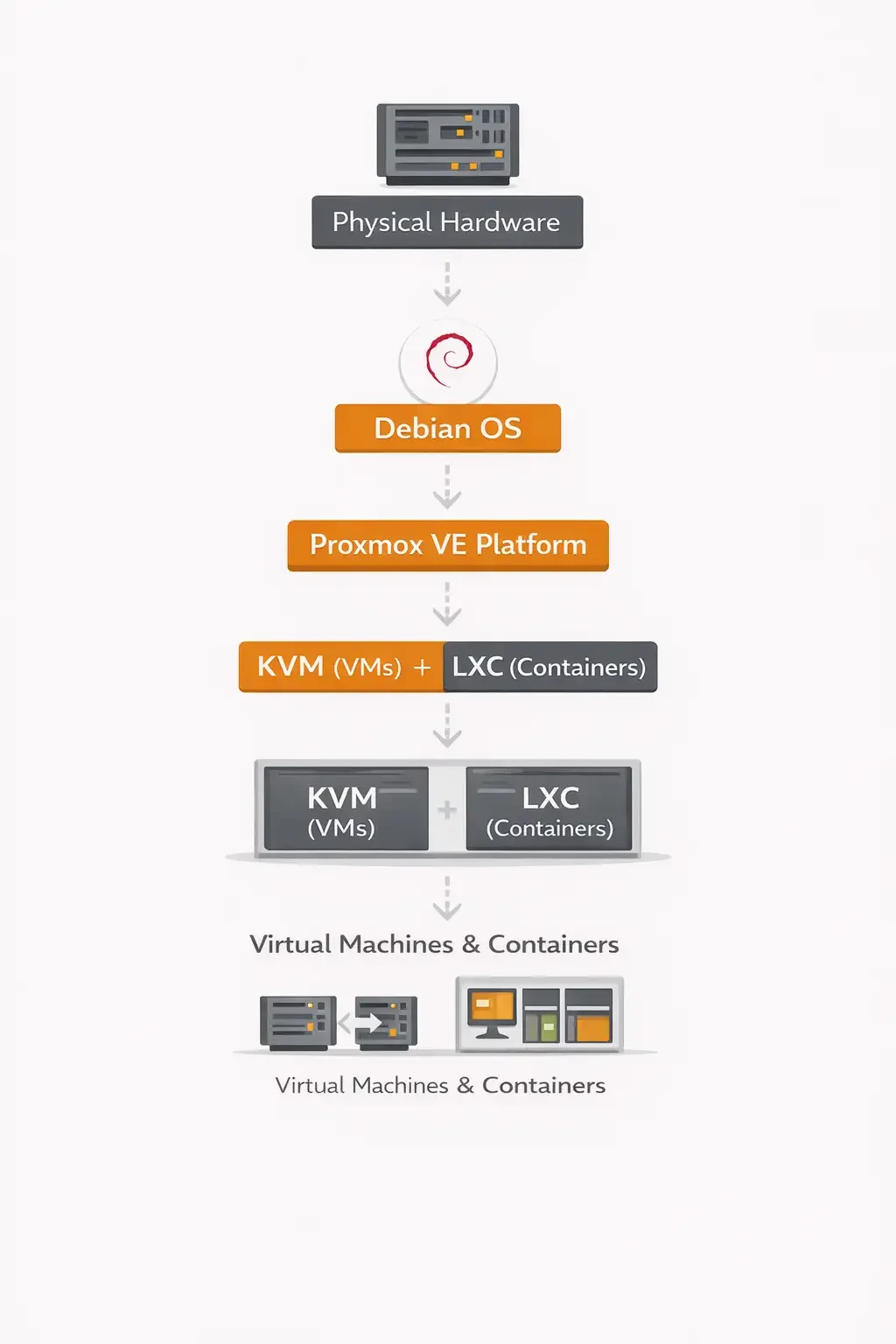
Unlike a raw KVM installation, Proxmox delivers a complete, full-stack virtualization environment out of the box. Deployment, management, clustering, storage, and backups are built into the platform from the start.
That is the core difference in KVM vs Proxmox: a modular hypervisor versus an integrated virtualization platform.
Linux KVM vs Proxmox
Search queries like Linux KVM vs Proxmox, Ubuntu KVM vs Proxmox, Debian KVM vs Proxmox, and Oracle KVM vs Proxmox usually come from one concern: operating system flexibility.
Many administrators want to know whether they can build on their preferred Linux distribution or if they must adopt a fixed platform.
OS Context Comparison
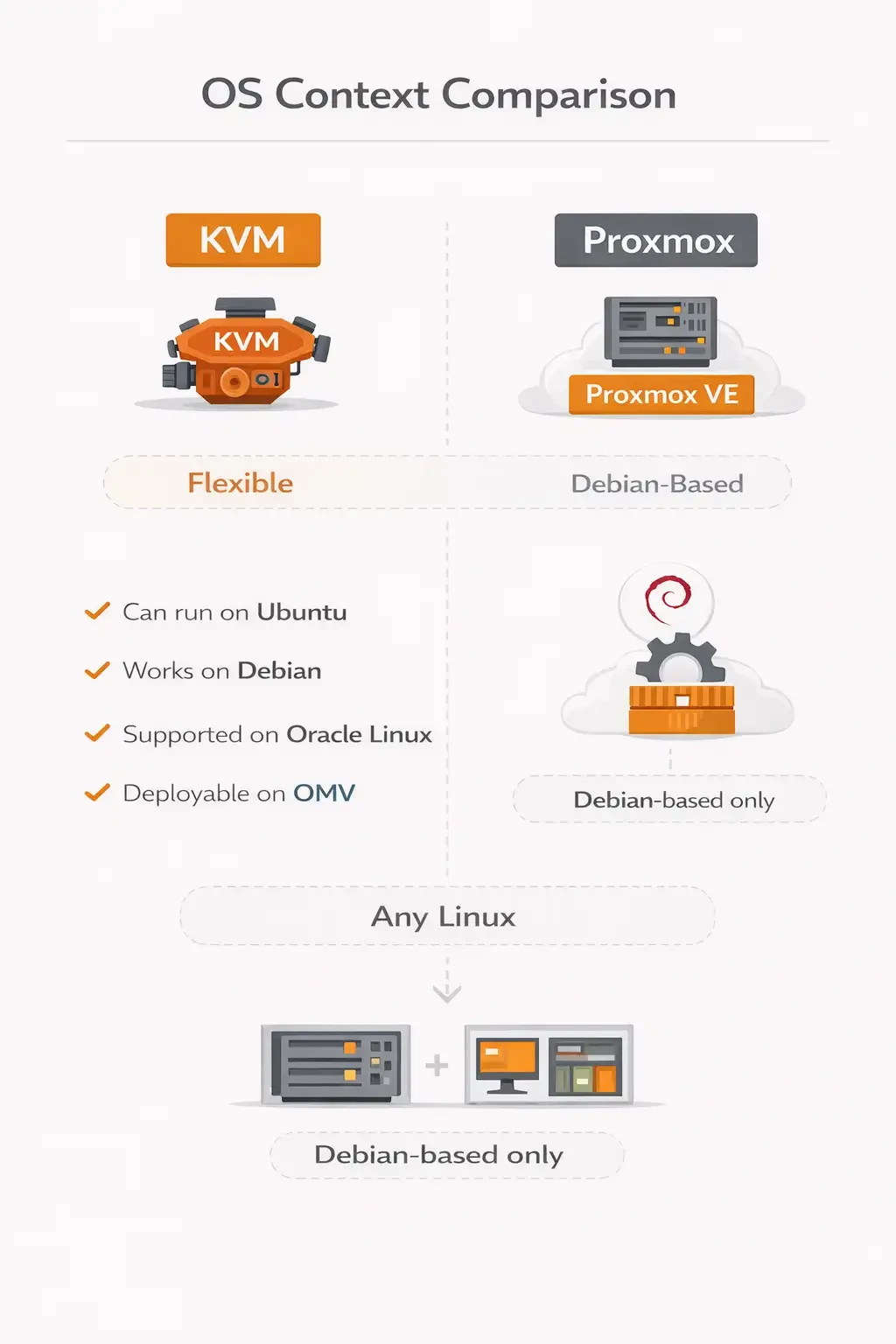
With KVM, flexibility is a major advantage. It can run on Ubuntu, works seamlessly on Debian, is fully supported on Oracle Linux, and can even be deployed in OMV-based environments. KVM allows custom builds tailored to specific infrastructure needs.
Proxmox, by contrast, is Debian-based only. It ships as a pre-integrated stack with KVM and LXC already configured. Rather than being a modular component, it is designed as a complete virtualization solution.
|
Feature |
KVM |
Proxmox |
|
Base OS |
Any Linux |
Debian-based |
|
Native GUI |
No |
Built-in Web GUI |
|
Clustering |
Manual setup |
Built-in |
|
Backup |
Custom scripts |
Integrated |
|
Storage |
Configurable |
ZFS, Ceph, LVM integrated |
|
Containers |
External tools |
Built-in LXC |
So when comparing Ubuntu KVM vs Proxmox, the real question is not just about the operating system.
It comes down to deployment philosophy.
Do you want maximum flexibility and manual control over your virtualization stack?
Or do you prefer an integrated virtualization environment that is preconfigured and ready to manage out of the box?
Proxmox vs KVM Performance
One of the most common concerns in Proxmox vs KVM performance discussions is overhead.
Here is the technical reality.
Proxmox uses KVM as its hypervisor. That means virtual machine performance is nearly identical at the hypervisor level.
Any performance differences usually come from configuration choices, not from Proxmox itself.
Where Performance Differences Actually Come From
Performance variations typically stem from storage configuration, network bridge design, backup scheduling, resource allocation policies, or cluster overhead if high availability is enabled.
These factors affect both KVM and Proxmox deployments.
Performance Factors That Matter
Disk backend selection plays a major role. ZFS, LVM, and Ceph all behave differently under load.
CPU pinning and NUMA alignment can significantly impact latency-sensitive workloads.
VirtIO drivers improve disk and network performance inside virtual machines.
Overcommit strategy and kernel tuning also influence stability and throughput under high utilization.
The Bottom Line
If configured properly, the performance difference between KVM and Proxmox is negligible.
In most real-world deployments, storage architecture and resource planning have a far greater impact than the Proxmox management layer itself.
KVM vs Proxmox vs VMware
When evaluating KVM vs Proxmox vs VMware ESXi, the discussion expands beyond architecture and performance.
Licensing models, ecosystem maturity, enterprise support, and long-term operational costs become major decision factors.
|
Feature |
KVM |
Proxmox |
VMware ESXi |
|
License |
Open-source |
Open-core |
Commercial |
|
UI |
CLI-based |
Web-based |
Web-based |
|
Clustering |
Manual |
Built-in |
Advanced |
|
Enterprise Support |
Community |
Subscription |
Vendor-backed |
|
Cost |
Free |
Free + Subscription |
Expensive |
If you’re assessing enterprise-grade virtualization ecosystems, it’s worth reviewing a more detailed breakdown of VMware vs Proxmox and KVM vs VMware.
Those comparisons explore licensing models, enterprise support, feature depth, and long-term operational considerations in greater detail.
If you’re seriously evaluating enterprise virtualization platforms, it’s worth understanding how Proxmox compares directly with VMware in terms of licensing, ecosystem maturity, and long-term scalability. For a deeper technical breakdown, read our detailed comparison of VMware vs Proxmox to see which platform aligns best with your infrastructure strategy,but
If you’re comparing open-source virtualization with enterprise-grade commercial platforms, review our in-depth KVM vs VMware analysis to see how performance, licensing costs, scalability, and ecosystem integration differ in real-world deployments.
Xen vs KVM vs Proxmox
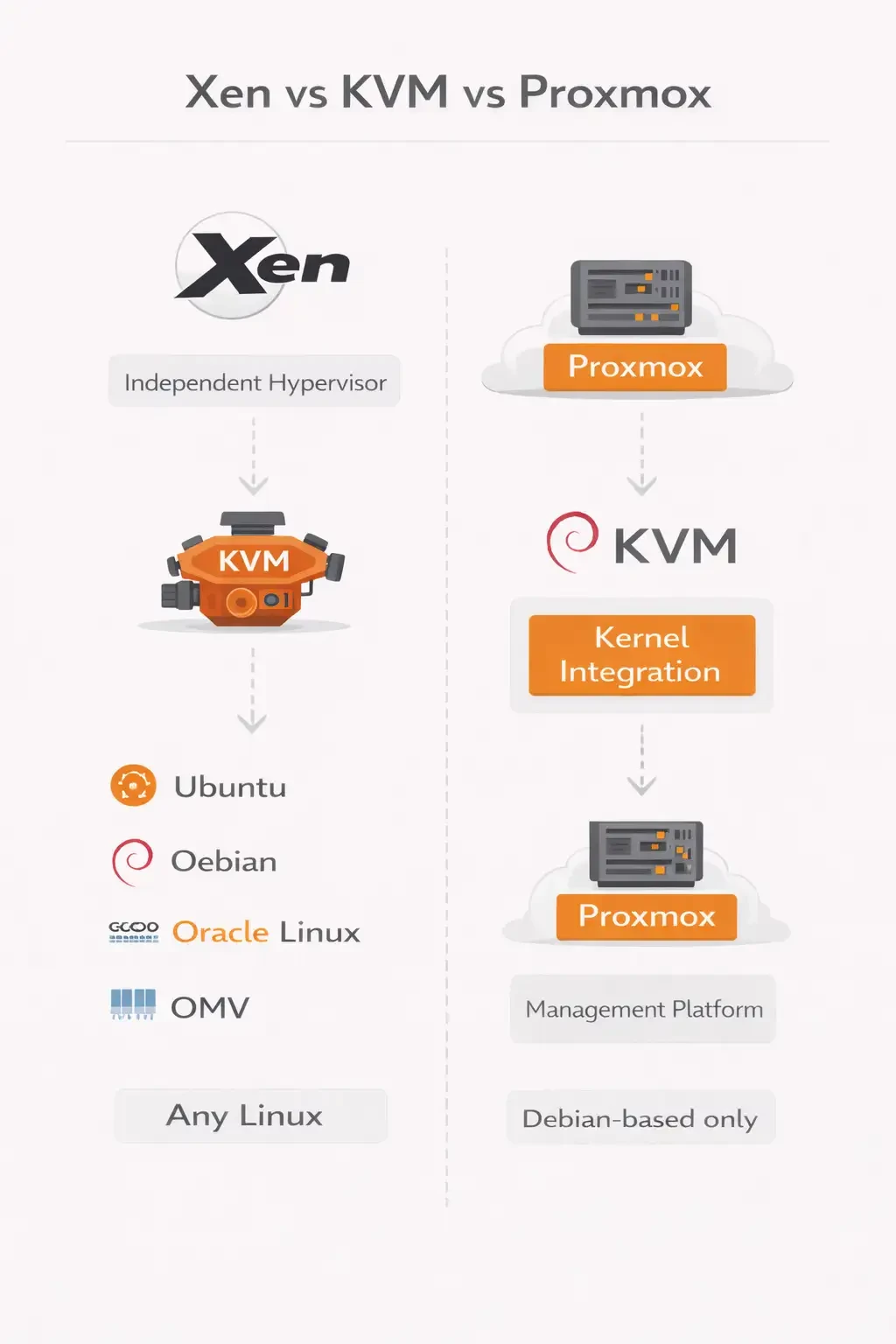
When discussing Xen vs KVM vs Proxmox, architectural clarity is essential.
Xen is an independent hypervisor that runs separately from the Linux kernel. KVM is a kernel-integrated hypervisor built directly into Linux. Proxmox is not a hypervisor at all, but a management platform that uses KVM for virtual machines.
The key technical difference is kernel integration. Xen operates outside standard Linux kernel space, while KVM is embedded directly within it. This affects management models, ecosystem integration, and deployment flexibility.
For a deeper technical comparison of hypervisors, see our breakdown of KVM vs Xen.
If you’re analyzing hypervisors from a deeper architectural perspective and want a clearer understanding of performance behavior, kernel integration models, and real-world deployment trade-offs, take a closer look at our detailed KVM vs Xen comparison to determine which hypervisor aligns best with your infrastructure goals.
KVM vs LXC in Proxmox
Many users confuse virtual machines and container virtualization inside Proxmox.
Proxmox supports both models, but they operate differently at the architecture level. Virtual machines use KVM for full hardware virtualization, while containers use LXC for lightweight, OS-level virtualization. Understanding this distinction is important when designing workloads and resource allocation.
Feature: Virtualization Type
KVM provides full virtualization. LXC provides container-based virtualization.
Feature: Kernel Model
KVM runs independent guest kernels inside each virtual machine. LXC containers share the host Linux kernel.
Feature: OS Flexibility
KVM can run almost any operating system, including Linux and Windows. LXC supports Linux-only workloads because it depends on the host kernel.
Feature: Resource Overhead
KVM has higher resource overhead due to full hardware virtualization. LXC has lower overhead since containers share system resources.
Feature: Isolation Level
KVM offers strong isolation between virtual machines. LXC provides moderate isolation, suitable for lightweight and trusted environments.
The difference between KVM and LXC in Proxmox is straightforward.
KVM runs full operating systems inside virtual machines, each with its own dedicated kernel and virtualized hardware.
LXC runs lightweight Linux containers that share the host kernel, making them more resource-efficient but limited to Linux-based workloads.
The difference between KVM and LXC in Proxmox is straightforward.
KVM runs full operating systems inside virtual machines, each with its own dedicated kernel and virtualized hardware.
LXC runs lightweight Linux containers that share the host kernel, making them more resource-efficient but limited to Linux-based workloads.
KVM vs QEMU
Another common query is KVM vs QEMU, and the distinction is important.
QEMU is a hardware emulator. KVM is a hardware acceleration module built into the Linux kernel.
When combined, they form what is commonly referred to as QEMU-KVM.
QEMU handles device emulation and presents virtual hardware to the guest operating system. KVM uses CPU virtualization extensions like Intel VT-x or AMD-V to deliver near-native performance.
Without KVM enabled, QEMU runs in pure emulation mode, which is significantly slower and not suitable for production virtualization workloads.
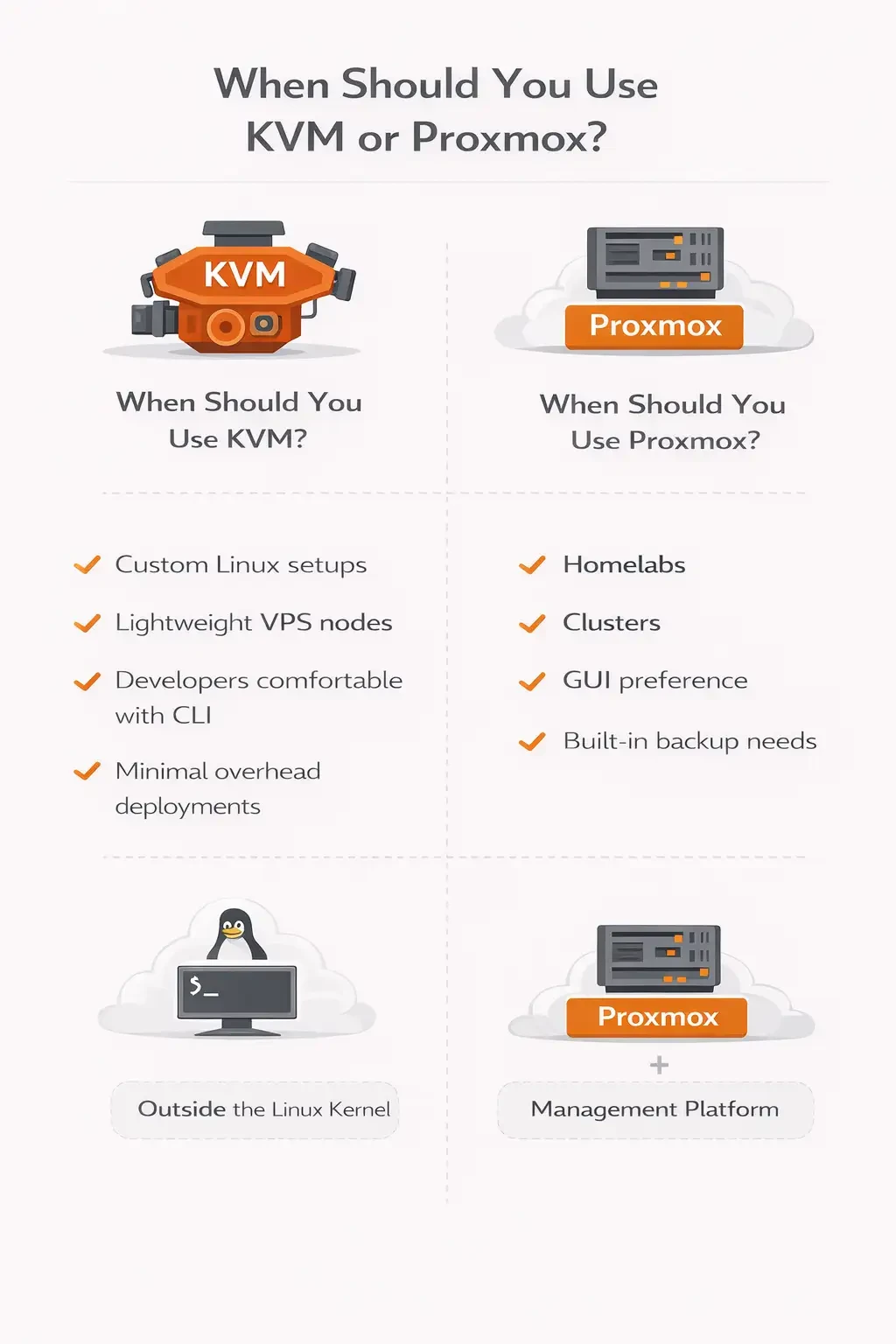
When Should You Use KVM?
Choose KVM when maximum flexibility is a priority and you want full control over your virtualization stack.
It is well suited for building custom Linux-based virtualization environments, especially when you prefer CLI-driven infrastructure and manual configuration.
KVM is also a strong option for deploying lightweight VPS nodes where minimal management overhead is desired.
Overall, KVM is ideal for developers and infrastructure engineers who are comfortable managing Linux systems at a low level and want granular control over every component.
When Should You Use Proxmox?
Choose Proxmox when you prefer GUI-based management instead of relying primarily on the command line.
It is a strong choice if you need built-in clustering, integrated backup management, and centralized control across multiple nodes.
Proxmox is especially popular for homelabs and small-to-mid-scale virtualization environments where ease of deployment matters.
Overall, Proxmox reduces operational complexity and simplifies day-to-day management, particularly for teams managing shared infrastructure.
Advantages and Disadvantages
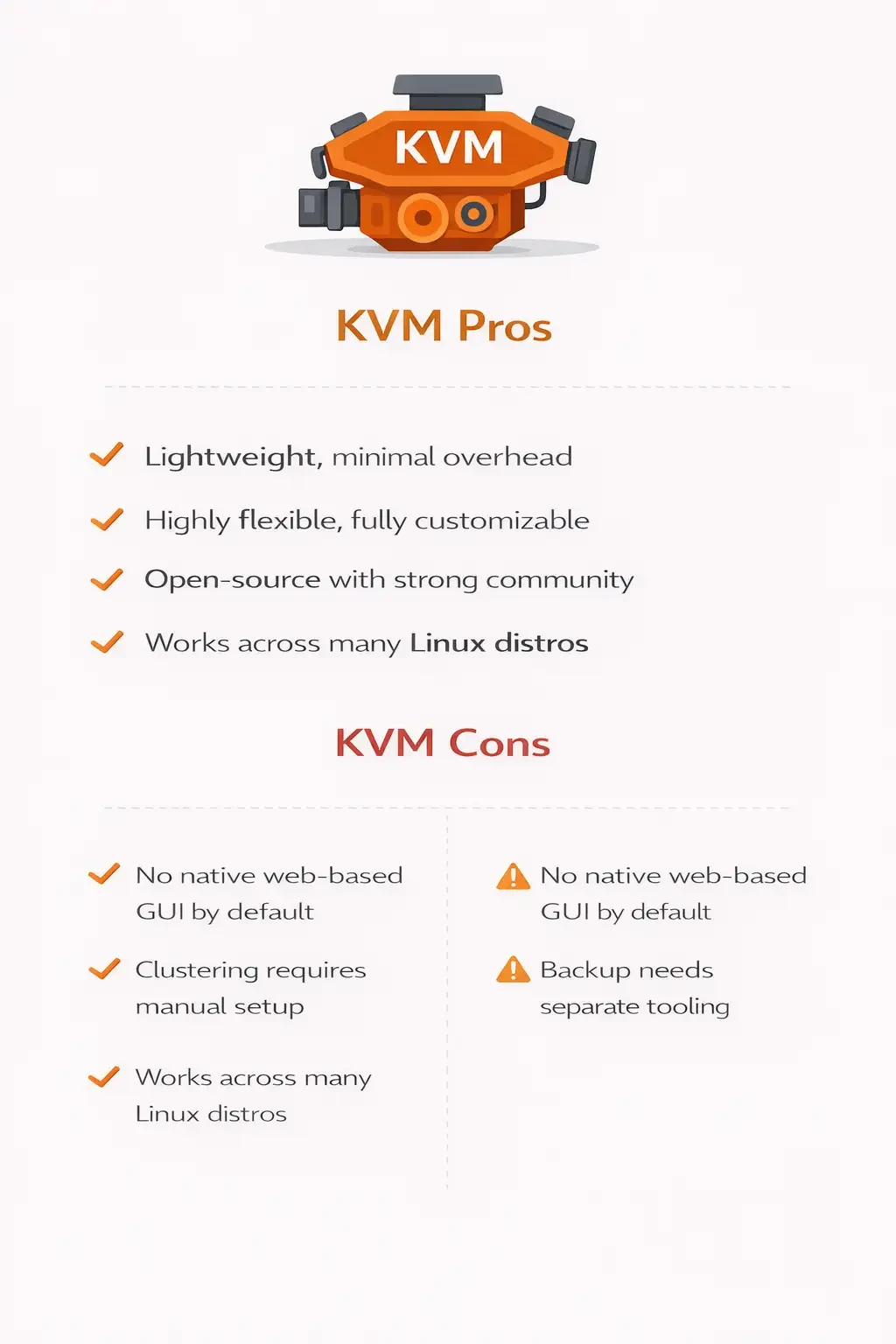
KVM Pros
- KVM is lightweight and adds minimal overhead to a Linux system.
- It offers high flexibility, allowing administrators to build fully customized virtualization stacks.
- KVM is completely open-source and backed by a strong community and enterprise ecosystem.
- It also works across many Linux distributions, including Ubuntu, Debian, RHEL-based systems, and others.
KVM Cons
- KVM does not include a native web-based GUI by default, so management is typically CLI-driven unless additional tools are installed.
- Clustering must be configured manually using external technologies, which increases setup complexity.
- Backup functionality is not integrated out of the box and requires separate configuration and tooling.
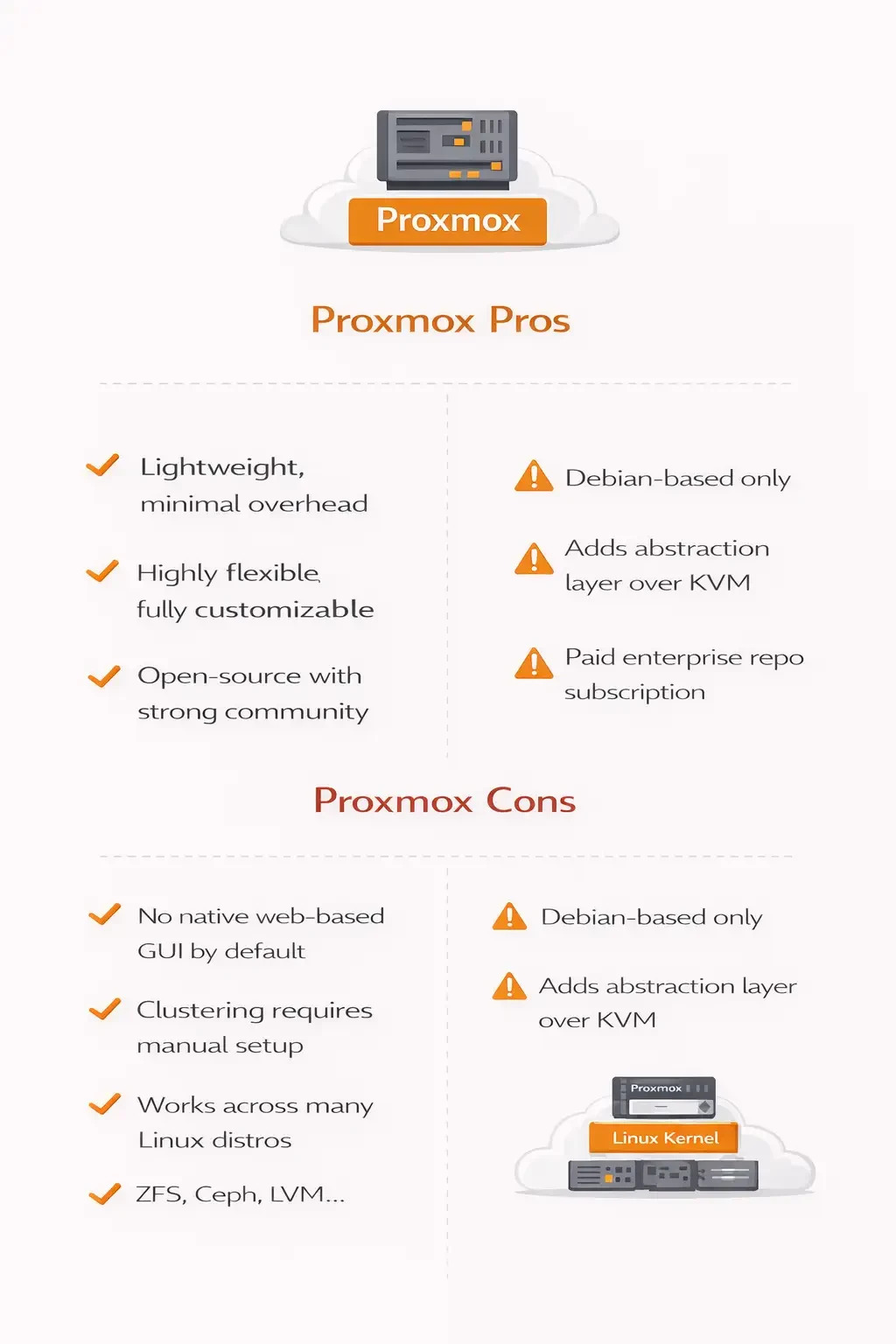
Proxmox Pros
- Proxmox provides easy web-based management, making virtualization administration accessible without heavy CLI usage.
- It includes built-in clustering, allowing multiple nodes to be managed as a single environment.
- Snapshot and backup tools are integrated directly into the platform.
- It also offers built-in storage integration, including support for ZFS, Ceph, LVM, and other software-defined storage options.
Proxmox Cons
- Proxmox is Debian-based only, which limits operating system flexibility compared to raw KVM deployments.
- It introduces an additional abstraction layer on top of KVM, which may not appeal to administrators who prefer minimal stacks.
- Access to the enterprise repository requires a paid subscription, although a community repository is available.
Real-World Deployment Scenarios
Enterprise cloud providers often choose raw KVM because it integrates cleanly with platforms like OpenStack and large-scale automation frameworks.
Homelabs and SMB environments frequently adopt Proxmox due to its simplicity, built-in clustering, and web-based management.
Hosting providers use both KVM and Proxmox, depending on their scale, orchestration model, and automation requirements.
If you’re deploying production workloads, infrastructure reliability matters far more than UI preference. Performance consistency, storage quality, and network stability directly impact uptime.
That’s where professional-grade Virtual Machine Hosting becomes essential.
MonoVM offers global data centers, instant server deployment, 24/7 technical support, high-performance NVMe storage, and affordable dedicated and VPS solutions.
Whether you choose KVM or Proxmox, pairing your virtualization platform with reliable infrastructure ensures predictable performance, scalability, and long-term stability.
Explore our hosting solutions and build your virtualization stack on a stable foundation.
Final Verdict: KVM vs Proxmox
The KVM vs Proxmox debate is not about performance superiority.
It is about control versus convenience.
KVM delivers a powerful and flexible hypervisor foundation with full customization at the operating system level.
Proxmox delivers an integrated virtualization ecosystem built on that same foundation, adding structured management, clustering, and built-in tooling.
If you want raw control and maximum flexibility, choose KVM.
If you prefer centralized management and clustering out of the box, choose Proxmox.
In either case, long-term success depends on the infrastructure underneath your virtualization layer.
Deploy your environment on reliable, high-performance servers with MonoVM’s enterprise-ready solutions and scale with confidence.
Choosing between KVM and Proxmox is only part of the equation the real performance difference comes from the infrastructure underneath. For production workloads, you need reliable hardware, fast storage, and stable networking to unlock the full potential of your virtualization stack.
MonoVM’s Virtual Machine Hosting delivers enterprise-grade NVMe storage, global data center locations, instant server deployment, and 24/7 expert support — all designed to provide consistent performance and long-term stability.
Whether you’re building a custom KVM environment or deploying Proxmox clusters, start with infrastructure you can trust. Explore our Virtual Machine Hosting solutions and build your virtualization platform on a foundation engineered for scale.

An experienced tech and developer blog writer, specializing in VPS hosting and server technologies. Fueled by a passion for innovation, I break down complex technical concepts into digestible content, simplifying tech for everyone.