In the field of web hosting and server management, choosing an unsuitable operating system can put all your efforts in software development or traffic management at risk. For this reason, you have likely faced the question many times of whether to choose the strict stability of the Red Hat family or the unmatched flexibility of the Debian ecosystem for your infrastructure. Today, in 2026, this competition has entered a new phase with the emergence of Rocky Linux as the true successor to CentOS and the continued strong presence of Ubuntu. In this blog post from MonoVm, I, as a server industry expert, will show you the technical, performance, and security differences between these two distributions so that you can make the best choice for your next project with complete clarity.
Rocky Linux vs Ubuntu: Core Differences Explained
The first thing you need to know about these two is their lineage. Ubuntu is built on Debian. Ubuntu’s philosophy has always been: “Linux for everyone.” They aim to deliver the latest packages along with an excellent user interface and user experience.
Rocky Linux, however, has a different story. Rocky is built directly from the source code of Red Hat Enterprise Linux (RHEL). This means that if you have an application that runs on Red Hat, there is a 99.9% chance it will run on Rocky Linux without the slightest modification. Before continuing, let’s take a look at the table below.
|
Key Feature |
Rocky Linux |
Ubuntu |
|
Base Distribution |
RHEL – 1:1 binary compatible |
Debian |
|
Primary Goal |
Enterprise infrastructure and servers |
Multi-purpose distribution (server, desktop, cloud, IoT) |
|
Package Management |
DNF / YUM (.rpm) |
APT (.deb) + Snap |
|
Free Support Duration |
10 years for each major release |
5 years for LTS releases (extendable with Ubuntu Pro) |
|
Release Cycle |
Aligned with RHEL (long, stable cycle) |
Every 6 months regular + LTS every 2 years |
|
Update Philosophy |
Conservative, stability-focused |
Balance between stability and new technologies |
|
Kernel Version |
Stable and thoroughly tested (often older but more stable) |
Newer kernels in recent releases |
|
Default Security |
SELinux (Mandatory Access Control) |
AppArmor |
|
Security Management Complexity |
More advanced and enterprise-oriented |
Simpler and more user-friendly |
|
Base Resource Usage |
Lightweight and minimal in server mode |
Slightly higher, especially with Snap |
|
Software Ecosystem |
Focused on enterprise software |
Much broader ecosystem |
|
Cloud Popularity |
Less common than Ubuntu |
Very widespread (AWS, Azure, GCP) |
|
RHEL Compatibility |
Fully compatible |
Not compatible |
|
Docker Suitability |
Excellent in enterprise environments with SELinux |
Extremely popular in the container ecosystem |
|
Official Commercial Support |
Community-driven |
Official support by Canonical |
|
Desktop Focus |
Limited |
Very strong (GNOME by default) |
|
Beginner-Friendly |
Less so |
Very beginner-friendly |
|
Migration from CentOS |
Very simple and straightforward |
Requires package structure changes |
|
Free and Open Source |
Completely free and open source |
Free (base version) |
As you can see in the table, these two distributions have fairly noticeable differences. Rocky Linux primarily focuses on stability and enterprise needs, while Ubuntu offers greater flexibility, frequent updates, and optimizations for cloud and desktop environments. To learn more about Ubuntu’s features, you can read the article What is Ubuntu, and for more details about Rocky Linux, refer to What is Rocky Linux.
Rocky Linux vs Ubuntu Server
Rocky Linux, as a distribution compatible with Red Hat Enterprise Linux (RHEL), is better suited for enterprise infrastructures and heavy-duty servers. This compatibility means strong support for strict security requirements and compliance with enterprise standards. If you are a long-time CentOS user, Rocky Linux provides exactly the same environment you have been accustomed to for years. This distribution is designed for mission-critical workloads.
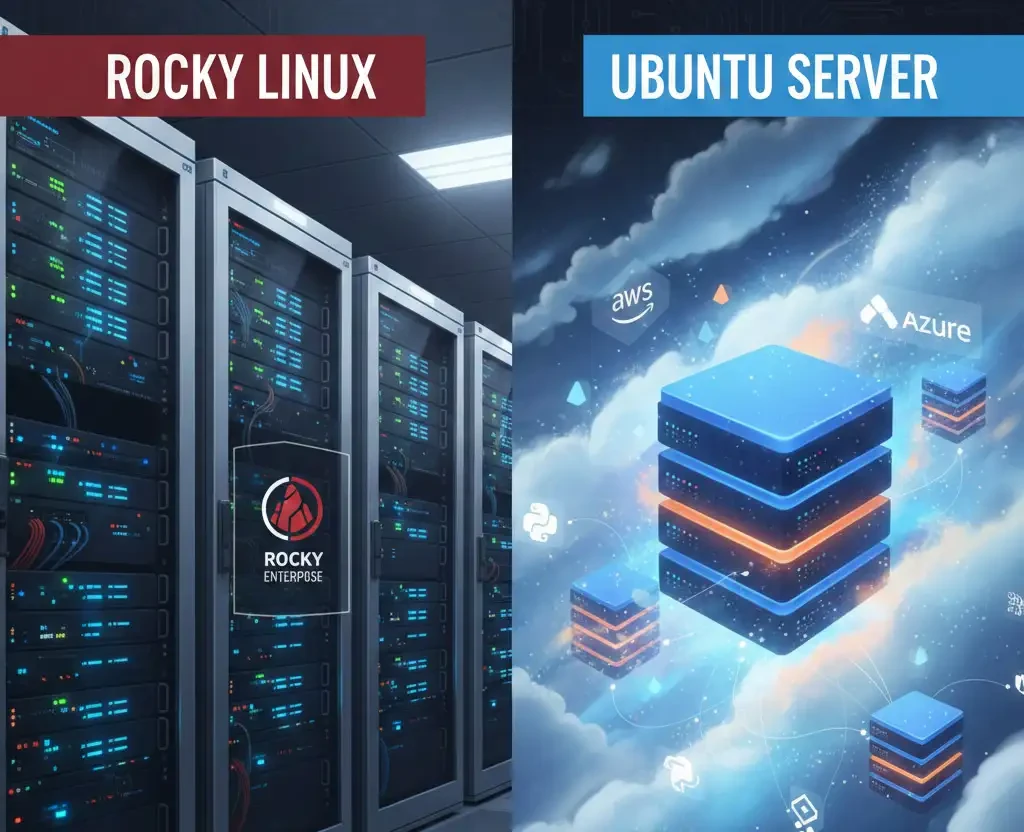
On the other hand, Ubuntu Server is known as the undisputed leader of public cloud platforms such as Amazon Web Services, Google Cloud, and Microsoft Azure. The reason for this popularity is simple: extensive documentation, excellent support for a wide range of hardware, and immediate availability of most developer tools such as Python, Node.js, and artificial intelligence libraries right after installation.
Overall, it can be said that Rocky Linux has the advantage in traditional enterprise infrastructures, while Ubuntu leads in the modern cloud ecosystem.
Performance Review: Is Ubuntu Faster Than Rocky Linux?
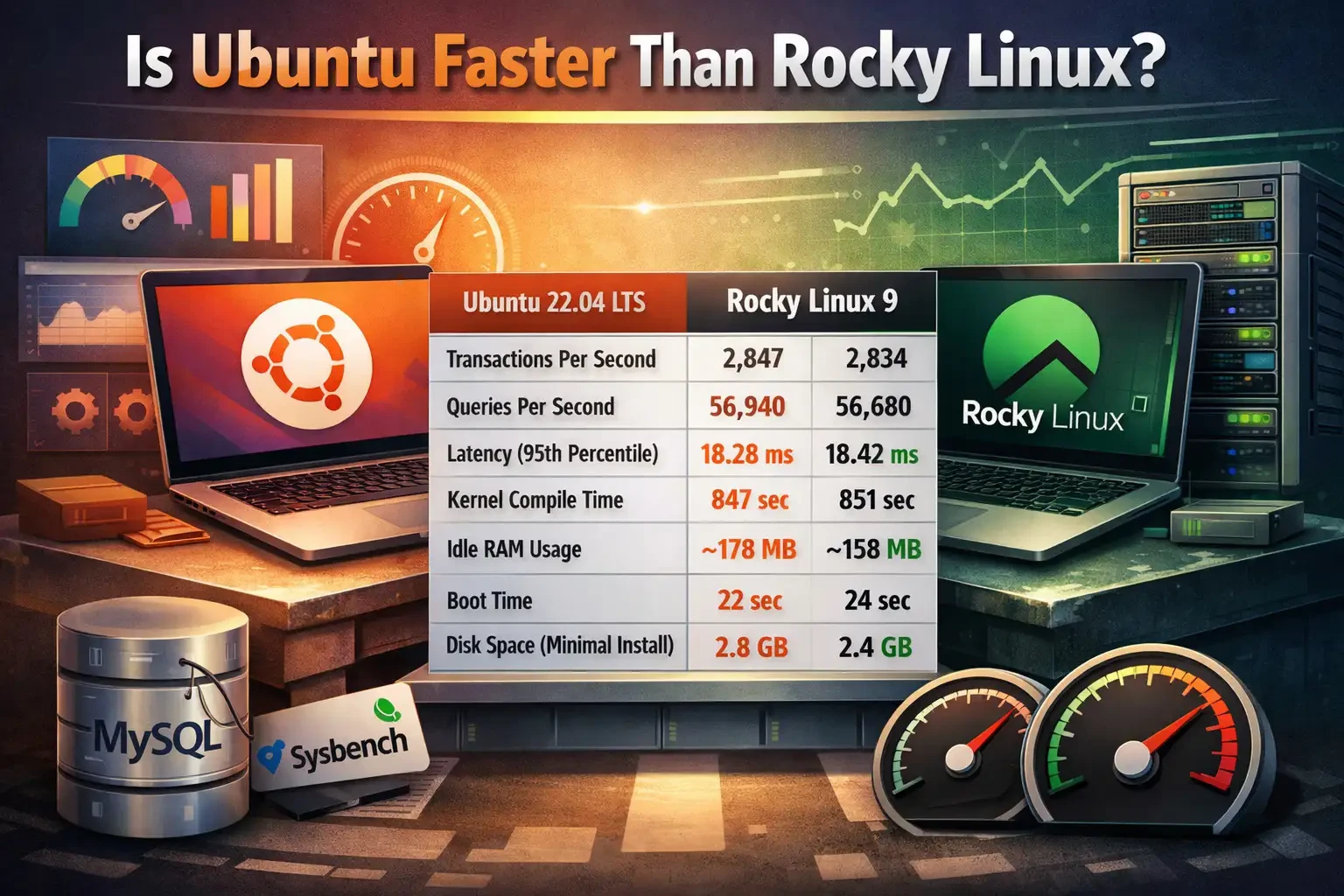
In most real-world workloads, the performance difference between these two distributions is less than 2 percent. However, this does not mean they are identical. The main difference lies in how system resources are managed. Take a look at the table below. In tests conducted using Sysbench on a MySQL 8.0 database, both systems show very similar performance. That said, Ubuntu shows a very slight advantage in some input/output (I/O) scenarios due to its use of newer kernel versions in recent releases.
|
Metric |
Ubuntu 22.04 LTS |
Rocky Linux 9 |
|
Transactions per Second (TPS) |
2,847 |
2,834 |
|
Queries per Second |
56,940 |
56,680 |
|
Latency (95th percentile) |
18.28 ms |
18.42 ms |
|
Kernel Compile Time |
847 seconds |
851 seconds |
|
Idle RAM Usage |
~178 MB |
~158 MB |
|
Default Process Count |
121 |
112 |
|
Boot Time |
22 seconds |
24 seconds |
|
Default File System |
ext4 |
XFS |
|
Disk Space (Minimal Install) |
2.8 GB |
2.4 GB |
You should note that Rocky Linux uses more stable and sometimes older kernel versions to ensure long-term reliability. In contrast, Ubuntu attempts to combine newer kernels with stability patches.
If you are running artificial intelligence or machine learning projects, Ubuntu is likely the smarter choice due to faster access to the latest NVIDIA drivers and CUDA libraries.
Rocky Linux vs Ubuntu for Docker
If you are developing modern applications, you are almost certainly working with containers. Ubuntu and Docker have long gone hand in hand. Most online tutorials are written based on Ubuntu and Docker. Ubuntu 24.04 offers excellent integration with Docker and Kubernetes.

Rocky Linux, however, has chosen a different path and supports Podman instead of Docker. Podman is an excellent alternative to Docker with one major advantage: it is daemonless. In Docker, if the main process (dockerd) crashes, all your containers stop running. In Podman, each container runs as an independent process. In addition, Podman allows you to run containers without root privileges, which significantly improves server security. Take a look at the table below.
|
Container Feature |
Docker (Ubuntu) |
Podman (Rocky Linux) |
|
Architecture |
Client server model (requires a daemon) |
Daemonless (standalone) |
|
Security |
Rootless support (requires configuration) |
Rootless by default |
|
Idle Resource Usage |
Higher, around 150 MB |
Very low, around 50 MB |
|
Container Startup Time |
About 0.18 seconds |
About 0.13 seconds |
As you can see, benchmarks from 2025 show that Podman on Rocky Linux 9 delivers very stable performance at large scale due to its use of cgroup v2 optimizations.
Rocky Linux vs Ubuntu Desktop
If you want to install Linux on your laptop or personal computer, Ubuntu should be your choice.
Ubuntu has an outstanding desktop edition. Hardware drivers such as NVIDIA graphics cards are easy to install, and the operating system looks very modern and user friendly. In fact, Ubuntu Desktop is designed so that you can handle your daily tasks without dealing with the terminal.
Rocky Linux also has a desktop edition, usually with the GNOME environment, but it is not aimed at home users. The Rocky Linux desktop is more suitable for developers who want their working environment to be exactly the same as their main server environment, helping to prevent the classic problem of "it worked on my machine but not on the server." If you are a regular user, Rocky Linux may feel somewhat rigid and limited.
Security Comparison
In terms of security, these two distributions have chosen completely different paths.
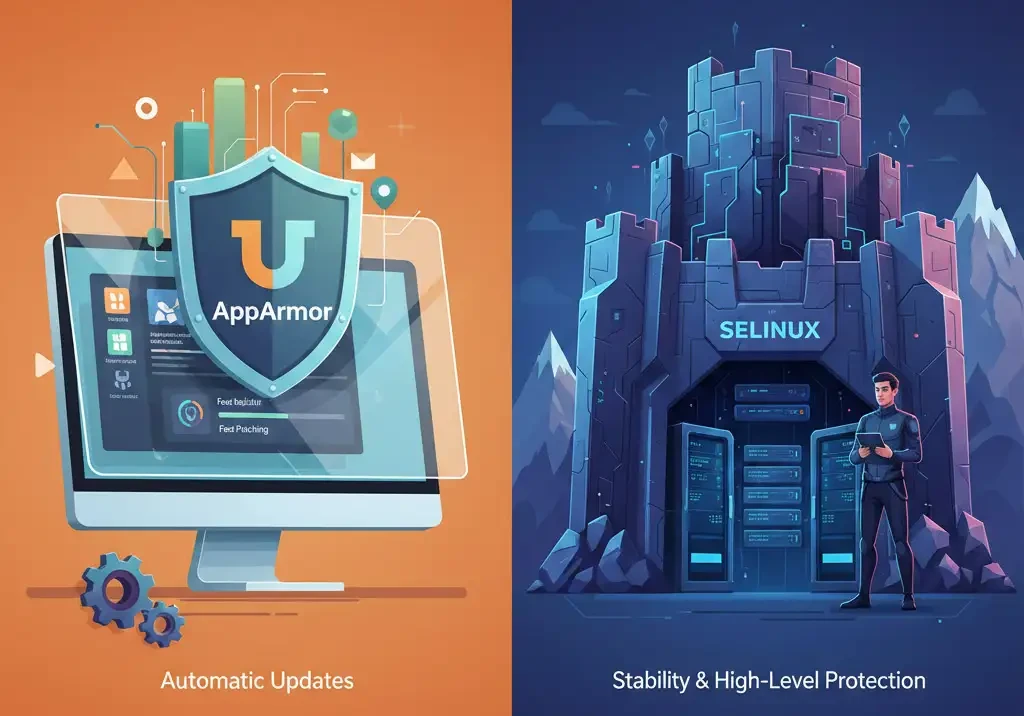
In Ubuntu, your primary security guardian is AppArmor. It is easy to use and, by default, blocks many unauthorized access attempts. Ubuntu releases security updates very quickly, and with the Unattended Upgrades feature, you can stay confident that critical security patches are applied automatically.
In Rocky Linux, however, you are dealing with a powerhouse called SELinux. SELinux is far stricter and more powerful than AppArmor. Although learning and configuring it can be challenging for beginners, once properly set up, it can turn your server into an almost impenetrable fortress.
From a stability perspective, Rocky Linux is the clear winner. The reason is that changes happen very slowly. This might sound negative at first, but for a system administrator, fewer changes often mean fewer unexpected failures. Ubuntu, by offering newer versions of software more frequently, slightly increases the risk of incompatibilities.
Cloud Optimization: Ubuntu Takes the Lead
Many of you host your servers on platforms such as Amazon Web Services, Google Cloud, or Microsoft Azure. Ubuntu has a strategic advantage here through its cloud-optimized kernels. Canonical, working directly with engineers from Google and Amazon, provides specialized kernels such as linux-gcp and linux-aws that are optimized specifically for these platforms’ hypervisors. These kernels reduce cloud server boot times and significantly improve network performance.
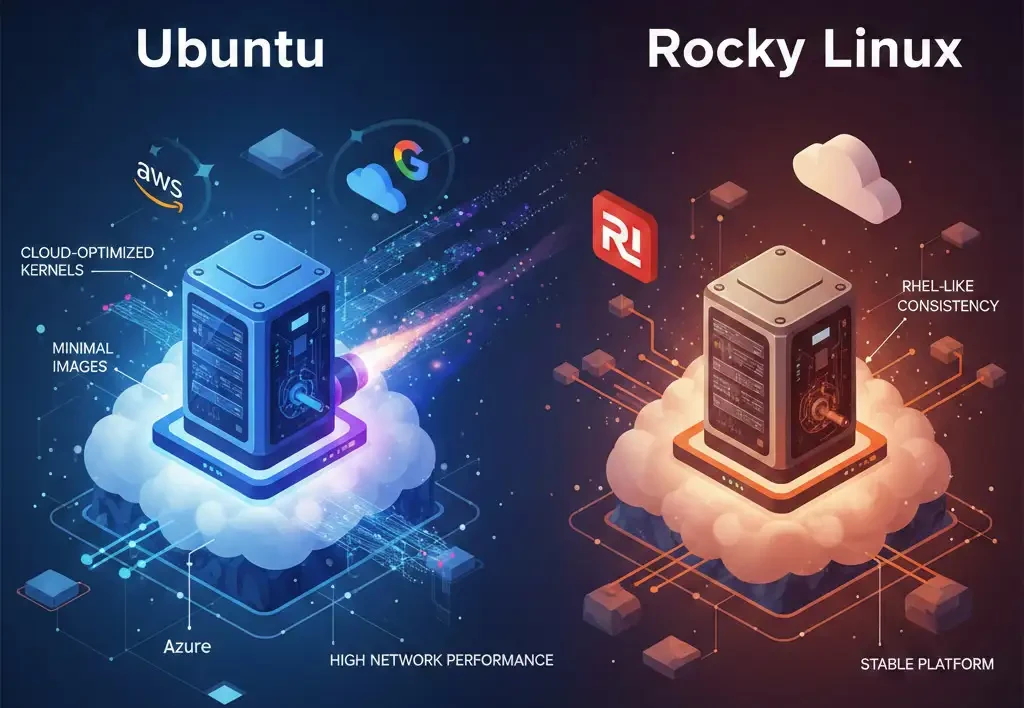
Rocky Linux is also popular in cloud environments, especially for users who want the same RHEL-like experience in the cloud. However, Ubuntu continues to dominate the cloud-native world thanks to its Minimal images, which are extremely lightweight, and its stronger support for virtualized drivers.
Package Management and Ecosystem
Ubuntu’s repositories are massive, and you can find almost any modern tool you need within the official repositories. In addition, PPA repositories (Personal Package Archives) allow you to install newer versions of software that have not yet reached the main repositories, although this approach comes with certain security and stability risks.
Rocky Linux uses the AppStream system, which excels at version management. On a single system, you can choose to run a stable version such as Python 3.9 or a more modern version like Python 3.11 without worrying about conflicts with core system tools. For access to additional software on Rocky Linux, the EPEL repository is considered the gold standard. It is maintained by the Fedora Project community and provides enterprise-quality packages.
AlmaLinux vs Rocky Linux vs Ubuntu
Among CentOS alternatives, AlmaLinux is often mentioned alongside Rocky Linux. As mentioned, Rocky Linux emphasizes bug-for-bug compatibility with Red Hat, whereas AlmaLinux moves toward ABI-level compatibility to deliver security updates faster than Rocky. According to 2026 statistics, AlmaLinux has gained popularity in some rankings due to its greater flexibility in handling changes from Red Hat.
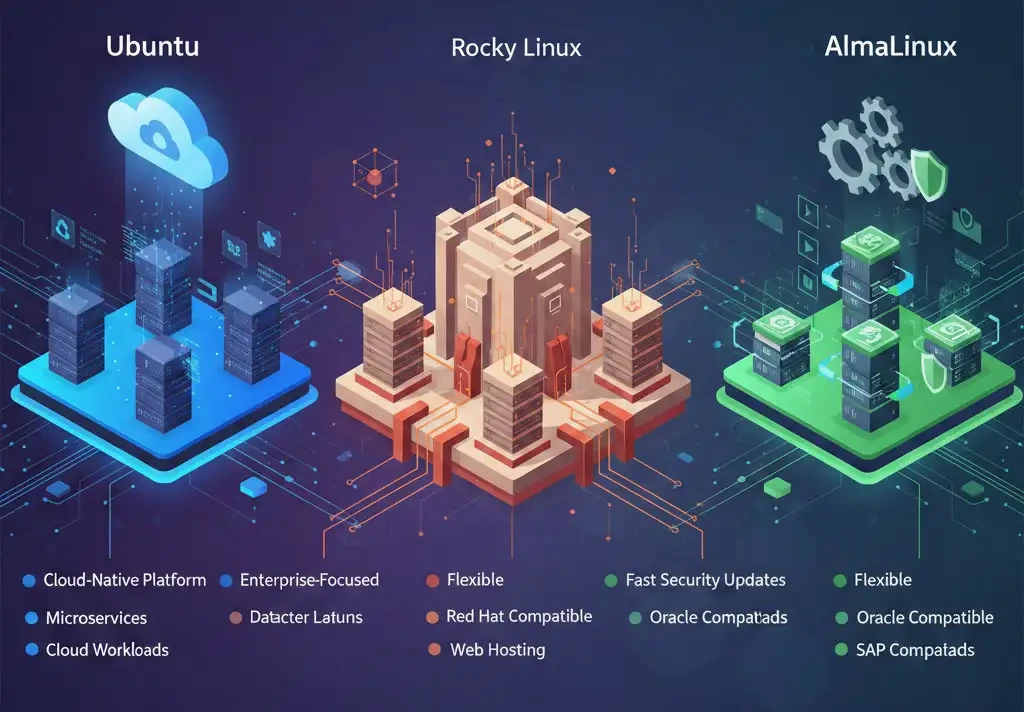
When comparing these two with Ubuntu, it becomes clear that Ubuntu is better suited for cloud-native projects and microservices, while AlmaLinux and Rocky Linux are designed for web hosting (such as cPanel environments) and traditional datacenter workloads. If your business requires full compatibility with commercial software such as Oracle or SAP, AlmaLinux or Rocky Linux is undoubtedly the better choice.
|
Criterion |
AlmaLinux |
Rocky Linux |
Ubuntu |
|
Base Distribution |
RHEL-based |
RHEL-based |
Debian-based |
|
Package Manager |
DNF/YUM |
DNF/YUM |
APT |
|
LTS Support |
10 years |
10 years |
3–5 years (LTS releases) |
|
Default Desktop Environment |
None (Server) |
None (Server) |
GNOME |
|
Default Security |
SELinux |
SELinux |
AppArmor |
|
Typical Use Cases |
Enterprise infrastructure and servers |
Enterprise infrastructure and servers |
General purpose, development, cloud |
For a more complete comparison, we recommend reading AlmaLinux vs Ubuntu and AlmaLinux vs Rocky Linux to gain a deeper understanding of the differences between these three distributions.
Future Roadmap: Rocky 10 and Ubuntu 26.04
We are currently at a point where both distributions are introducing major new versions.
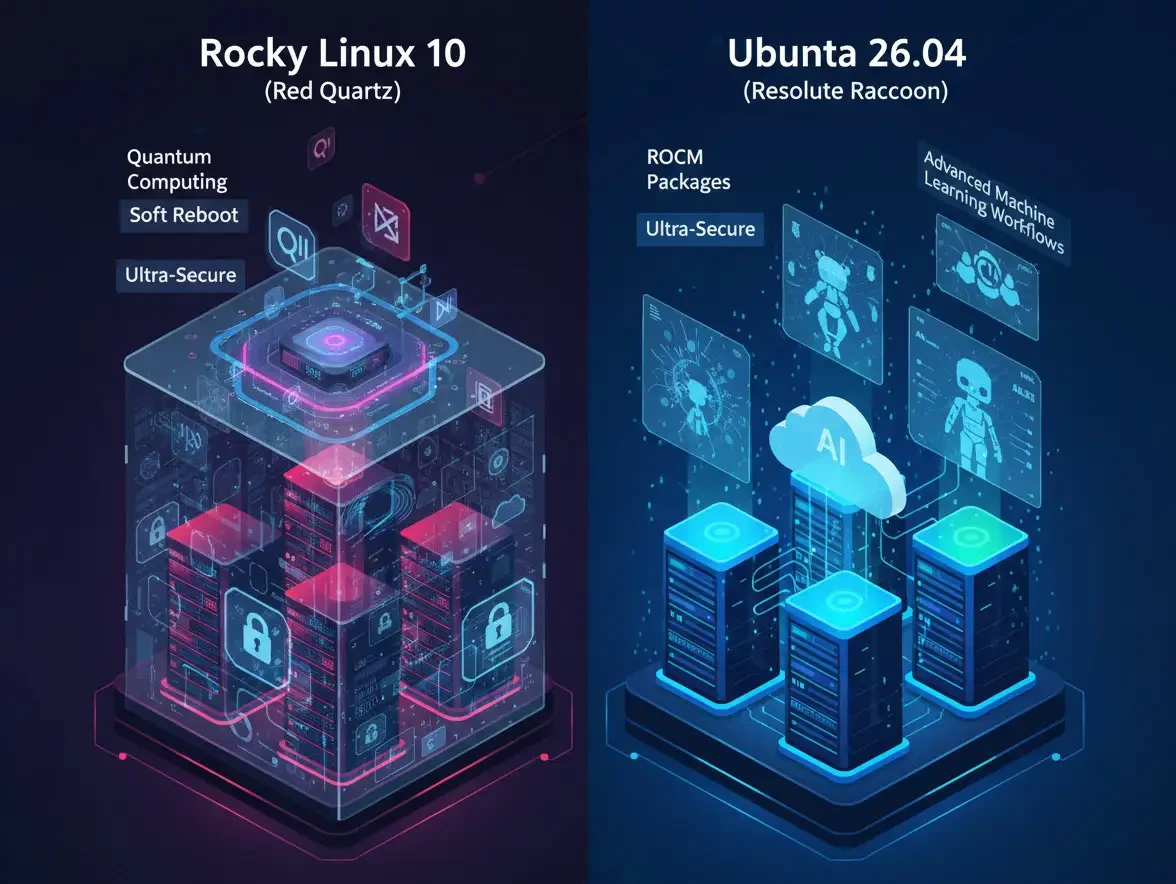
Rocky Linux 10 (Red Quartz): Released in June 2025, this version is based on the modern 6.12 kernel. One of its most exciting features is Soft Reboot. Imagine restarting the kernel and operating system services without rebooting the server hardware. This means that server downtime for security patches is reduced from several minutes to just a few seconds. Rocky 10 also places special focus on quantum computing and future-proof security.
Ubuntu 26.04 (Resolute Raccoon): Scheduled for release in April 2026, this version is set to focus on native artificial intelligence support. Canonical is collaborating with AMD to include ROCm packages (AMD’s CUDA alternative) directly in the Ubuntu repositories.
Both distributions are therefore set to continue evolving with powerful new features in their respective areas of specialization.
When Should You Choose Which?
We are almost at the end of this article, and based on the criteria we have reviewed, you probably now have a good idea of whether Rocky Linux or Ubuntu is more suitable for you. If not, the following scenarios should make everything clearer.
When Should You Choose Rocky Linux?
You should consider Rocky Linux if:
- You are looking for a free, powerful, and long-term alternative to CentOS or RHEL.
- You operate in an environment where extremely high security and strict compliance are top priorities.
- You plan to run servers with long-term workloads (such as banking databases or critical web servers) that should not require a full OS upgrade for up to 10 years.
- You use control panels optimized for RPM-based architectures (taking into account cPanel support changes in 2026).
- You have sufficient technical skills to manually configure services and work with SELinux.
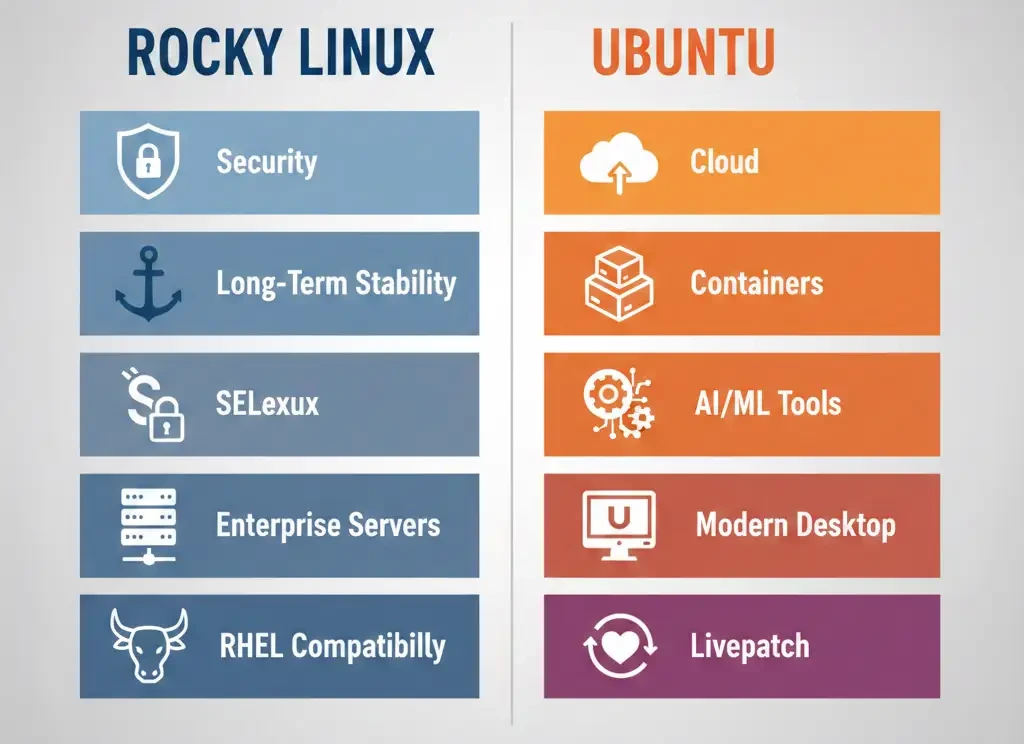
If long-term stability, RHEL compatibility, strict security, and full control over your infrastructure are your priorities, Rocky Linux is the more logical and enterprise-focused choice.
When Should You Choose Ubuntu?
Ubuntu is a better choice if:
- You are new to Linux and want a system where a simple Google search can solve almost all your problems.
- You are a developer who needs the latest versions of tools like Docker, Python, Node.js, or AI/ML libraries.
- You plan to use cloud and containerized servers at scale and deployment speed is critical.
- You want a modern desktop operating system that fully supports your hardware.
- You are looking for features like Livepatch to keep your servers secure without rebooting.
Ultimately, if rapid development, a broad ecosystem, strong cloud support, and quick access to modern technologies matter more to you, Ubuntu is the smarter and more forward-looking choice.
Your OS Is Chosen, Time to Power It!
We have now reached the end of this article, and you understand that Rocky Linux and Ubuntu are designed with different goals in mind, each excelling in its own domain. However, don’t forget that running these operating systems flawlessly requires powerful hardware and a stable network. That is why at MonoVM, we have created an environment that allows you to focus solely on developing your business without worrying about infrastructure. If you are looking for both stability and speed with either of these distributions, you can get a Rocky Linux VPS or Ubuntu VPS from MonoVM right now and have your server delivered in just a few minutes with your chosen distribution pre-installed. We help you enjoy the best possible experience in the Linux world.

An experienced tech and developer blog writer, specializing in VPS hosting and server technologies. Fueled by a passion for innovation, I break down complex technical concepts into digestible content, simplifying tech for everyone.